
Git integration
Native Git: status-bar branch, gutter change bars vs HEAD, a Commit tool window, merges and rebases with a conflict resolver, branches, remotes, tags, stashes and patches, a paged log with a commit graph, and blame.
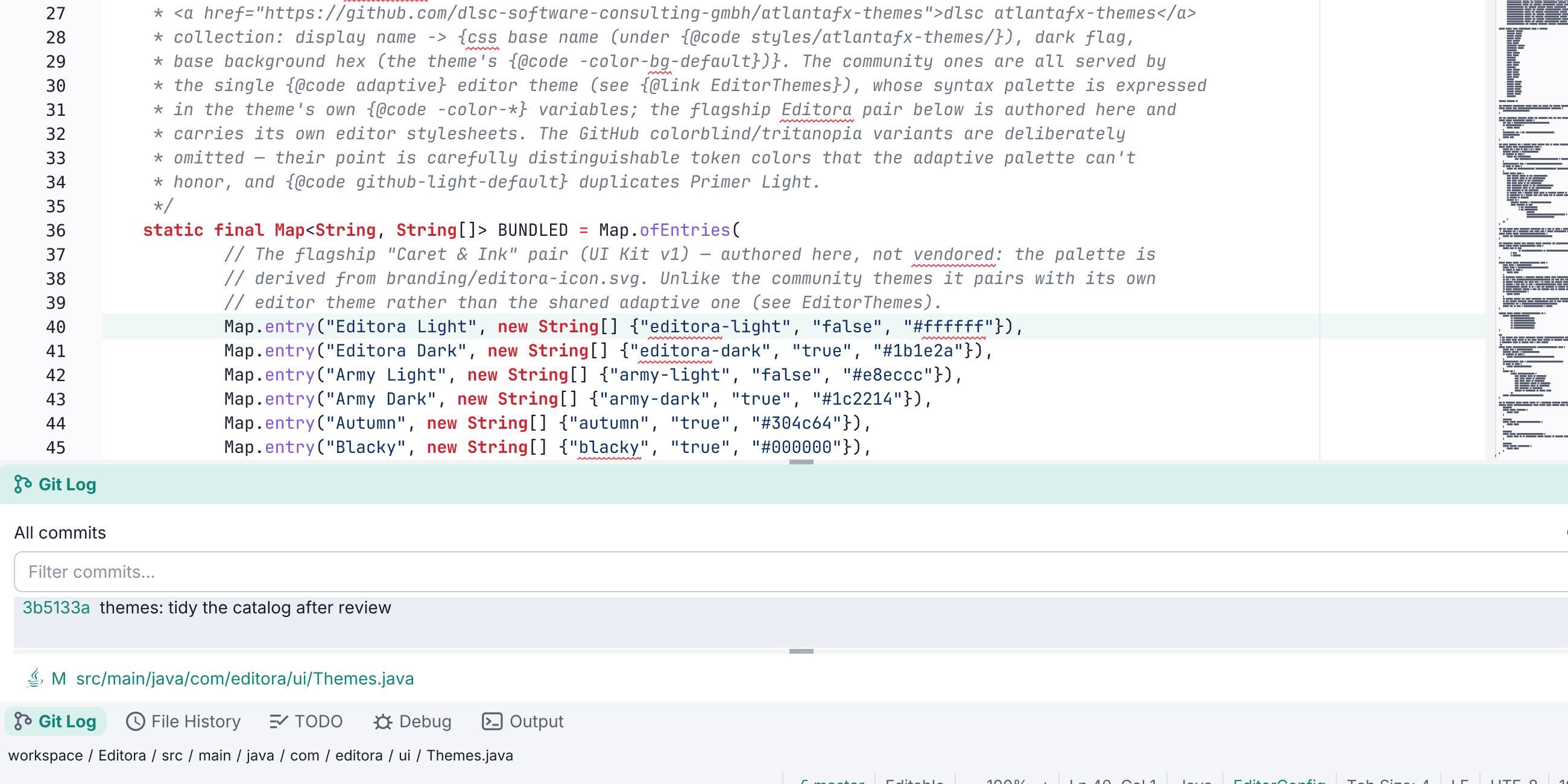
Native Git that shells out to your installed git, no bundled library.
- The status bar shows the current branch with ahead/behind counts and a dropdown to switch/create branches, pull, fetch, and push.
- Gutter change bars mark added/modified/deleted lines vs HEAD. Click one for a card with the old and new lines, where you can revert or stage that hunk.
- The Commit tool window groups staged / changed / untracked files with stage, unstage, discard, and a commit box, plus Amend, Commit and Push, Sign off and Undo Last Commit.
- Merges, rebases, cherry-picks and reverts in progress show in the status bar and as a banner in the Commit window with Continue, Skip and Abort. Conflicted files get their own group and open in the three-way resolver; finishing a resolution stages the file.
- Pull modes (fast-forward only, rebase, merge), Force Push with lease, Push to another remote, and branch management from the dropdown: rename, merge, rebase onto, set upstream, compare and delete.
- The Project tree colors files by Git status (added, modified, deleted, renamed, untracked), with changed folders tinted.
- The Git Log pages through the whole history, with a commit graph, an all-branches view, and a search by message,
author:,content:, date andpath:. Enter on a commit opens everything it changed as one review. - A blame gutter column that can ignore whitespace, follow moved lines, and walk a line back through earlier revisions.
- Plus remotes, worktrees, tags, a stash list, and Apply / Create Patch.
- A transcript of what it ran. The Output console has a Git tab holding every
gitcommand Editora ran on your behalf, with its output, exit code and duration. It logs the ones you asked for (commit, push, pull, checkout, stash, clone…) and leaves out thestatus/diffreads it re-runs on every tab switch, which would bury them. Clone, fetch, pull and push open the tab when they start and show Git’s progress, with a Stop button.
On by default, and inert until git is found. Toggle it under Settings → Version Control → Git.