
Export & print
Export code, a selection, or the Markdown preview to a syntax-highlighted PDF, HTML, MS Word, or ODF, or print with a preview. Light-themed and generated off-thread.
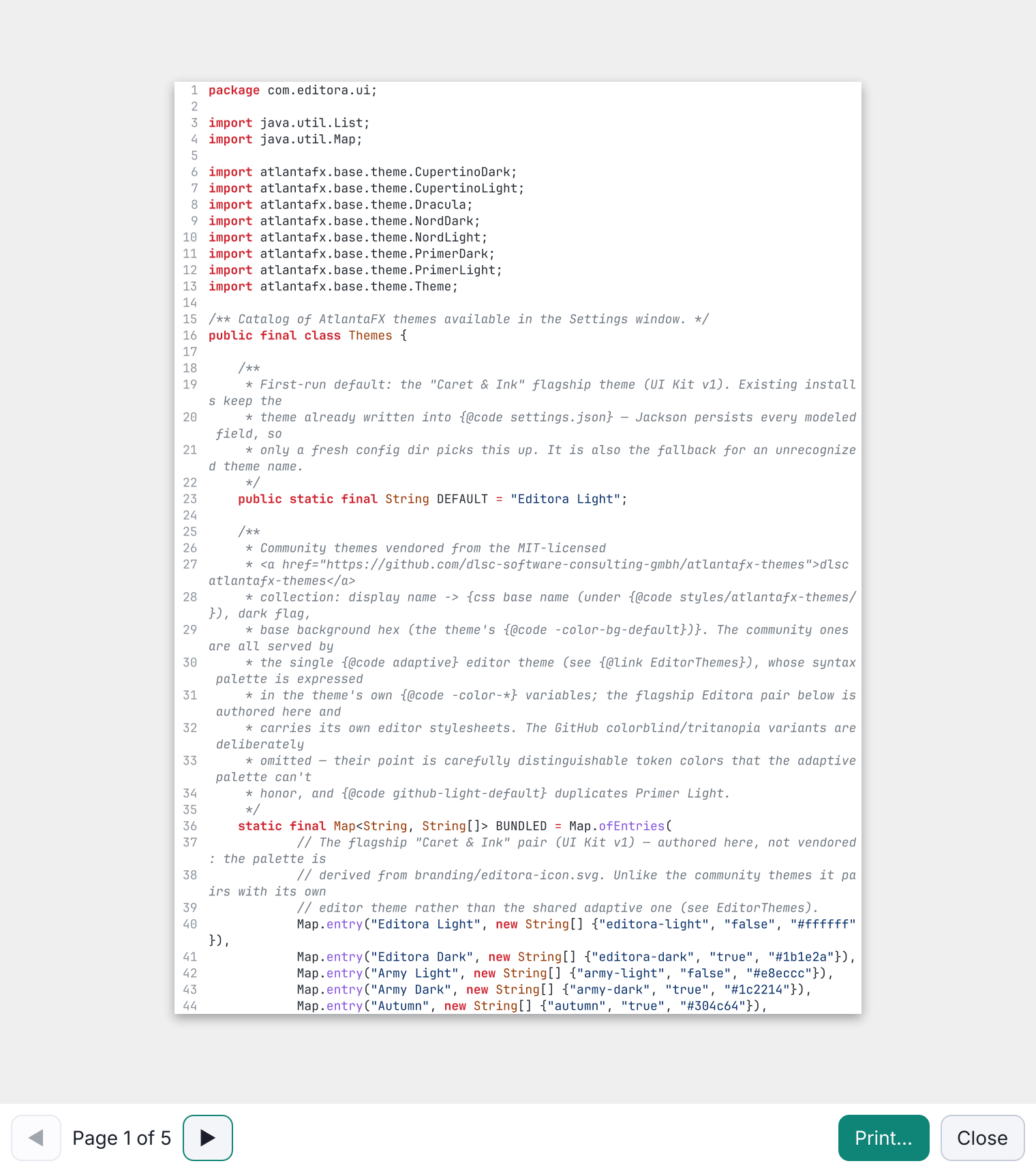
Export code to a syntax-highlighted PDF (with optional line numbers), or the Markdown / Mermaid preview to a richly formatted PDF, with headings, lists, tables, code blocks, and images rendered as native vector text.
The Markdown preview also exports to standalone HTML, MS Word (.docx), and OpenDocument Text (.odt), embedding tables, code, math, Mermaid diagrams, and images.
Or print either, with a page-by-page preview first (what you preview is what prints). Output is always light-themed and generated off the UI thread, via Apache PDFBox / Apache POI / javafx.print. Print… and Export to PDF… are in the File menu, the tab menu and the editor’s right-click menu, where Print Selection… and Export Selection to PDF… output only the selected lines. Image tabs and the whole Project Map print and export too.
Exported PDFs have clickable links, bookmarks from the headings, and a page footer. The Print Preview shows the sheet at paper size, with zoom, Page Setup and keyboard paging. PDF page size, orientation, margins, the code font size and the footer are set in Settings → Editor → Export & Print; printing uses the paper chosen in Page Setup.
Long lists, quotes, code blocks, tables and paragraphs continue from the current page, a heading stays with what follows it, and a table split across pages repeats its header row.