
Keymaps your way
Pick Emacs, CUA, Sublime Text, VS Code, or IntelliJ IDEA. Switch live with no restart, or rebind any command yourself in the built-in keybinding editor (multi-key chords like C-x C-s supported).
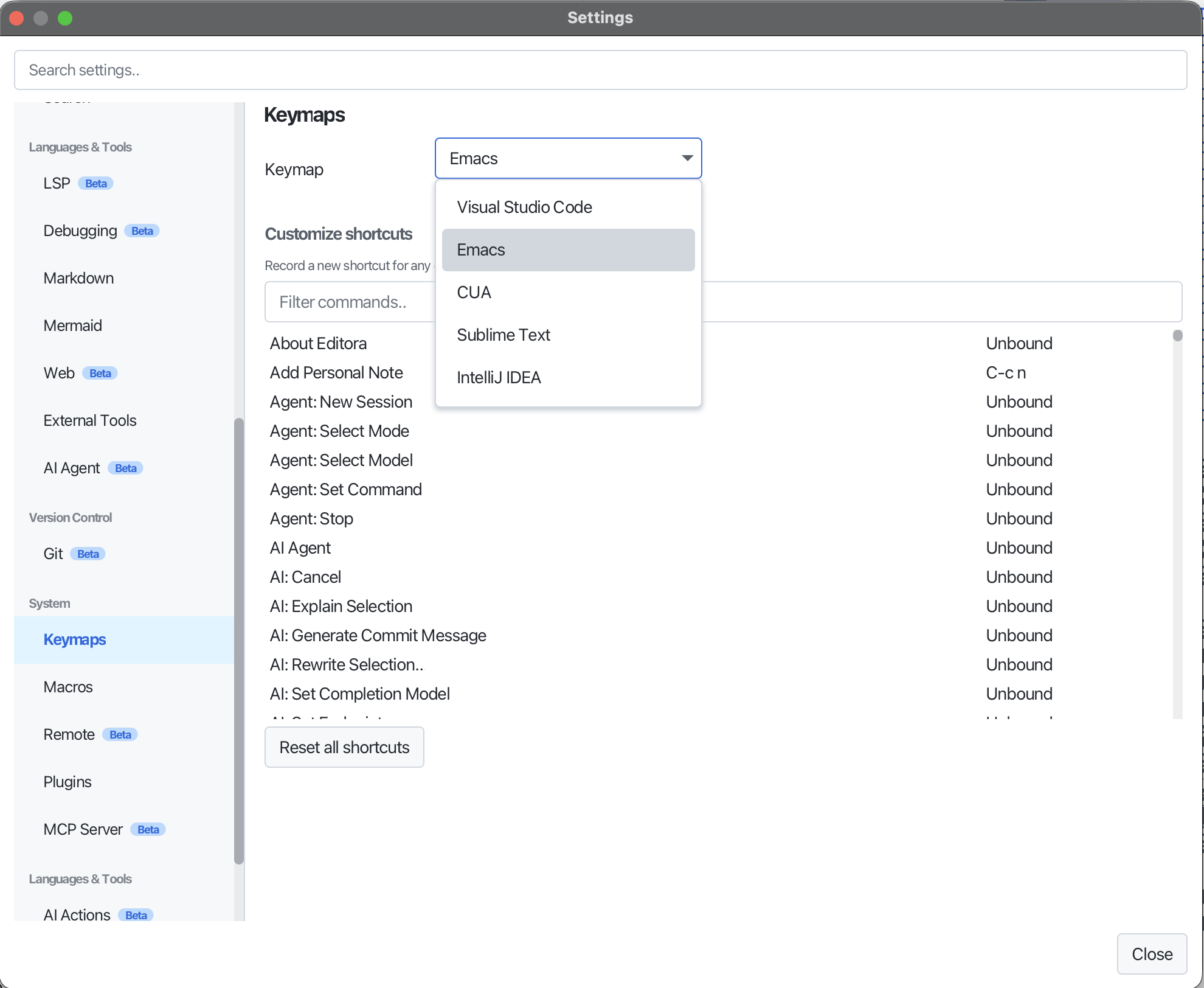
Editora ships five complete keymaps (Emacs (default), CUA, Sublime Text, VS Code, and IntelliJ IDEA) selectable in Settings → Keymaps and switchable live, with no restart. Each is a chord→command map over the same command ids, so switching changes accelerators without stranding any functionality.
For your own bindings, the built-in keybinding editor records multi-key chords (like C-x C-s), rebinds any command, and resets to defaults. Overrides are saved in settings.json, layered on top of the active keymap, so you only specify what you change.
On macOS the non-Emacs keymaps use ⌘ wherever the keybindings reference shows Ctrl.