
C & C++
C and C++ get code intelligence from clangd (see language servers) and debug with CodeLLDB or GDB.
Debugging
C and C++ are debugged with the same CodeLLDB as Rust, or
with GDB if you choose it. Debug: Start / Continue (debug.start, F5) or
Debug File in the editor’s right-click menu builds the program first, in
the Debug console, after Editora saves the project’s edited C and C++ files:
- In a CMake project (a
CMakeLists.txtin the file’s folder or above), it configures a Debug build inbuild/editora-debugand builds it, then debugs the program whose sources hold the file, else the project’s only program. - In a Make project (the nearest makefile above the file), it runs
makein that folder, then debugs the program it built: the one named after the file, in the folder or in itsbin/orbuild/, else the only one, else the newest. - A file outside a project is compiled with
cc, orc++for C++, with-g -O0, into Editora’s cache folder. A header outside a project says to open its source file instead.
CMake and Make run the project’s own code, so the first build asks you to
trust the folder, as Maven and Cargo do. A
lone file compiled with cc asks nothing. A build that fails launches nothing.
Restart builds again, and the arguments set by File: Run with
Arguments… are passed to the program.
- Values:
std::stringreads as its text, andstd::vectorandstd::mapunfold to their items. - A thrown C++ exception stops the program where it was thrown: the C++: on throw exception breakpoint is on by default.
- Breakpoints, stepping, Watches, the Threads view and the Disassembly and Memory views work.
Attach to Process lists running C and C++ programs built with debug information, on Linux, and attaches CodeLLDB to the one you pick. Open Core Dump opens a crashed program’s core in CodeLLDB. With GDB, Record Execution lets you step backward through what the program just did.
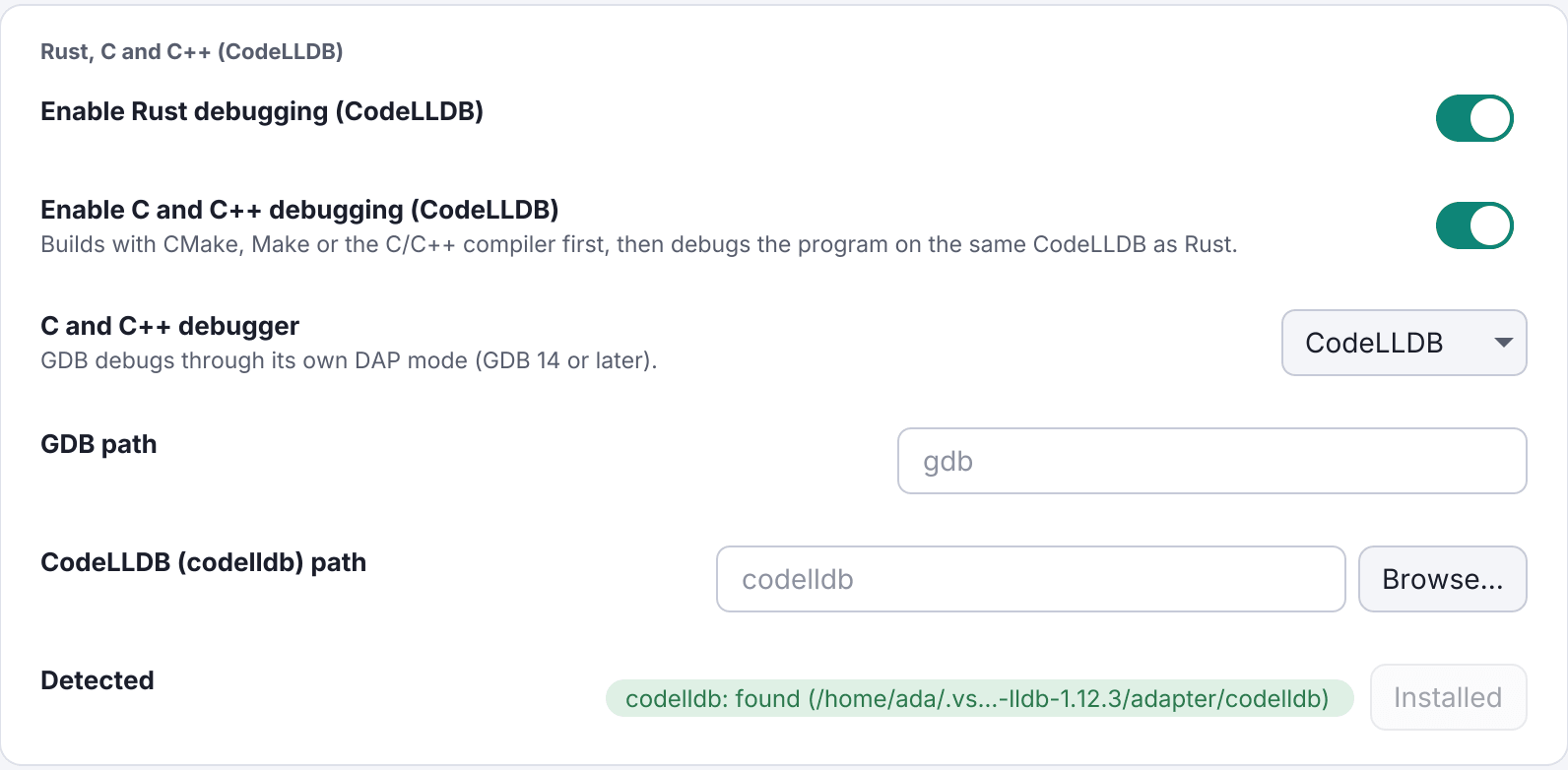
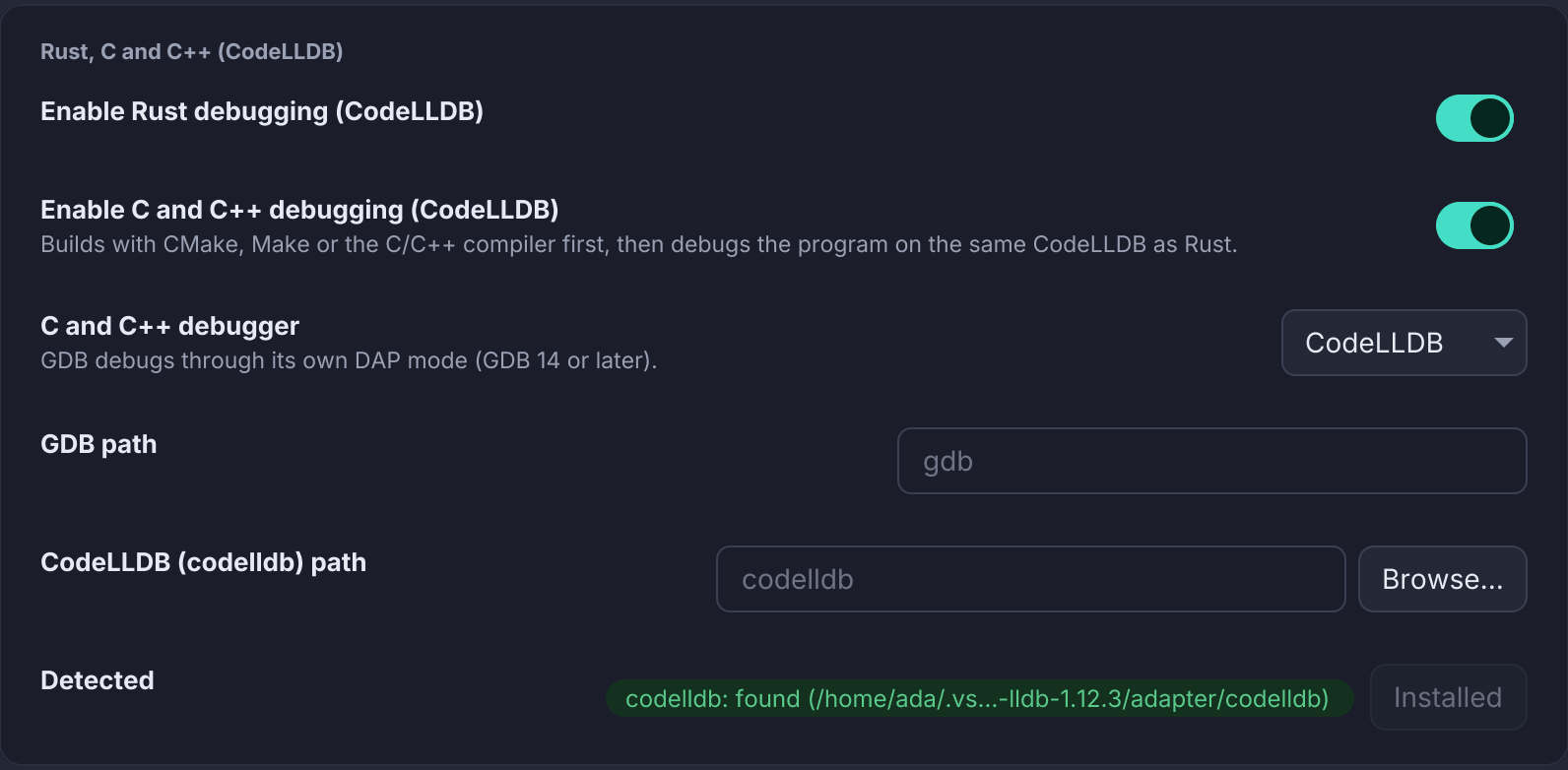
The Rust, C and C++ (CodeLLDB) card of Settings → Debugging has the
switch Enable C and C++ debugging (CodeLLDB), on by default, and C and
C++ debugger, which picks CodeLLDB or GDB. GDB debugs through its own
Debug Adapter Protocol mode (gdb -i dap), which needs GDB 14 or later. Editora
finds gdb as set in GDB path on the same card, else on the PATH; without
it, Debug says GDB was not found. GDB isn’t installed by Editora.
Tests
A C or C++ file that includes GoogleTest (gtest/gtest.h, gmock/gmock.h),
Catch2 (catch2/catch_…, or Catch2 2’s catch.hpp) or doctest
(doctest/doctest.h, doctest.h) is a test file. Each test has a ▶ in the
gutter, and the first line has one for the whole file:
- GoogleTest:
TEST,TEST_F,TEST_P(every value it is instantiated with),TYPED_TESTandTYPED_TEST_P. - Catch2:
TEST_CASE,TEST_CASE_METHOD,SCENARIOand the template test cases (every type). - doctest:
TEST_CASE,TEST_CASE_FIXTURE,SCENARIOandTEST_CASE_TEMPLATE.
A test made by a macro of your project’s own isn’t seen.
Its program is built as Debug File builds it (CMake, Make, or
the file alone), then run with the test’s own filter: --gtest_filter for
GoogleTest, the test’s name as a Catch2 test spec, --test-case for doctest.
- Run File and the first line’s ▶ run every test of the program.
- Run Test at Caret (
test.runAtCaret) and a test’s ▶ run that test; with the caret outside every test, every test runs. - Debug Test at Caret (
test.debugAtCaret), and Debug Test in a ▶‘s menu, debug the program on CodeLLDB or GDB, run with the test’s filter.
The results fill Test Results: each test
passed, failed or skipped, a failed check with its values and its section, and
a row that opens the line where it failed. Rerun, Rerun Failed and
Rerun This Test build the program again first. The test frameworks aren’t
installed by Editora; CMake’s find_package (or your Makefile) finds them.
CTest isn’t run: the test program runs directly.