
Go
Go gets code intelligence from gopls (see language servers) and debugs with Delve.
Debugging
Go is debugged with Delve, the debugger
VS Code’s Go extension uses. Debug a Go file with Debug: Start / Continue
(debug.start, F5 in the VS Code, CUA and Sublime Text keymaps), or with
Debug File in the editor’s right-click menu:
- A file of a module (a
go.modin its folder or above) debugs its package, asgo run .runs it. - A file outside any module is debugged alone, as
go run file.goruns it. - In a
_test.gofile, Debug and Debug Test at Caret (test.debugAtCaret) run the test function the caret is in on its own (aBenchmark…function runs alone as a benchmark), and every test of the package when the caret is outside a test function.
Restart runs the same program or test again, wherever the caret is by
then. The arguments set by File: Run with Arguments… (file.runWithArgs)
are passed to the program, or to the test binary.
Delve builds the program itself, with optimizations off, using the go that the
Go build tool runs. It builds from the files on disk, so
Debug and Restart save the package’s edited Go files first. Its build goes to
the temporary folder, so no __debug_bin file is left in your package. The
program’s output reaches the Debug console.
- Breakpoints take conditions, hit counts and log messages. A line that holds only a comment takes none.
- Stepping, Variables, Watches, hover values and inline values work. A struct, slice or map unfolds to its fields or items.
- Goroutines are threads. The call stack’s thread list and the
Threads view name each one, such as
[Go 6] main.restock.func1. Delve lists at most 1024 goroutines. See Goroutines for which are listed. - A panic stops the program where it happened. Delve does that by itself, so Go has no exception breakpoints to choose.
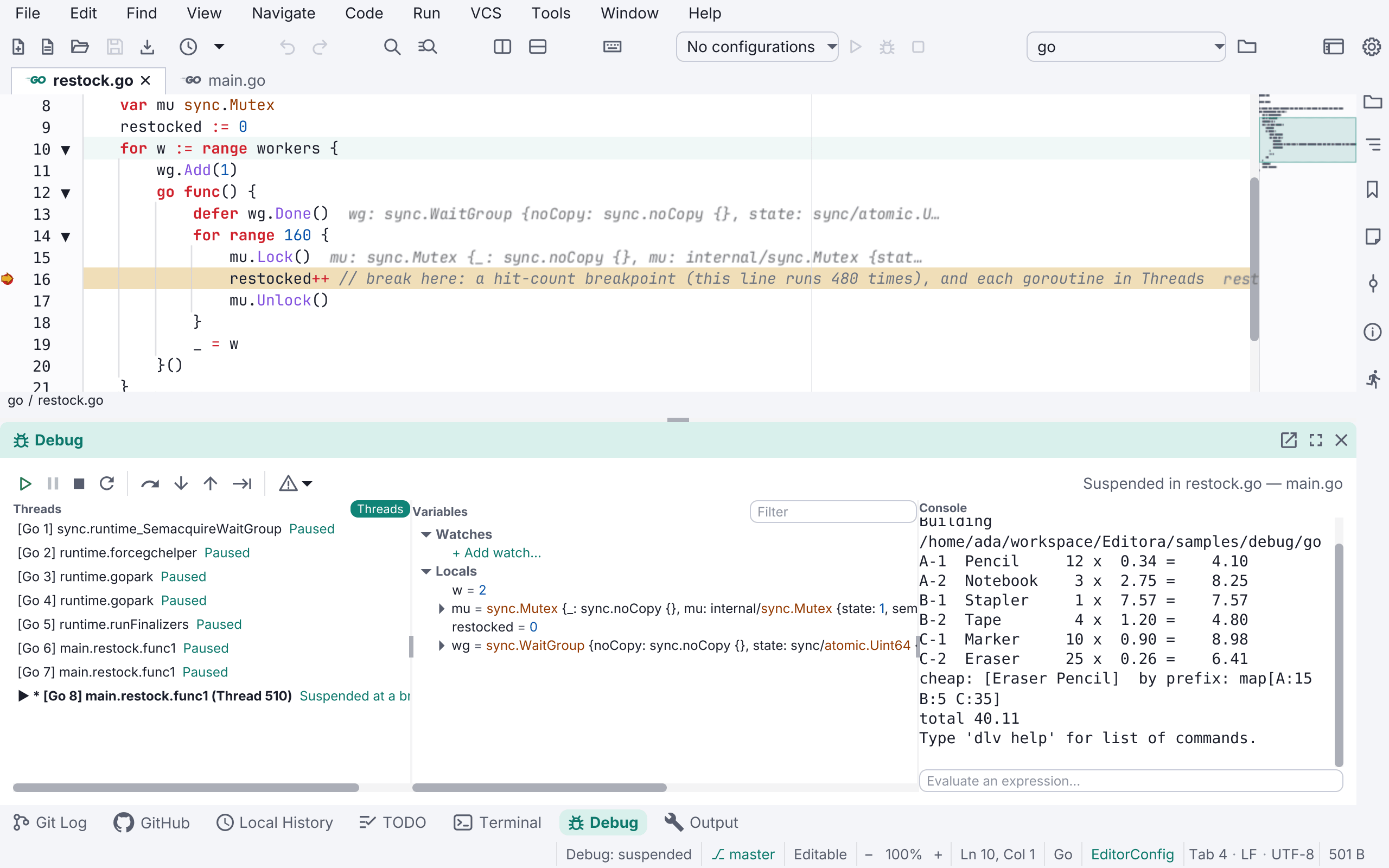
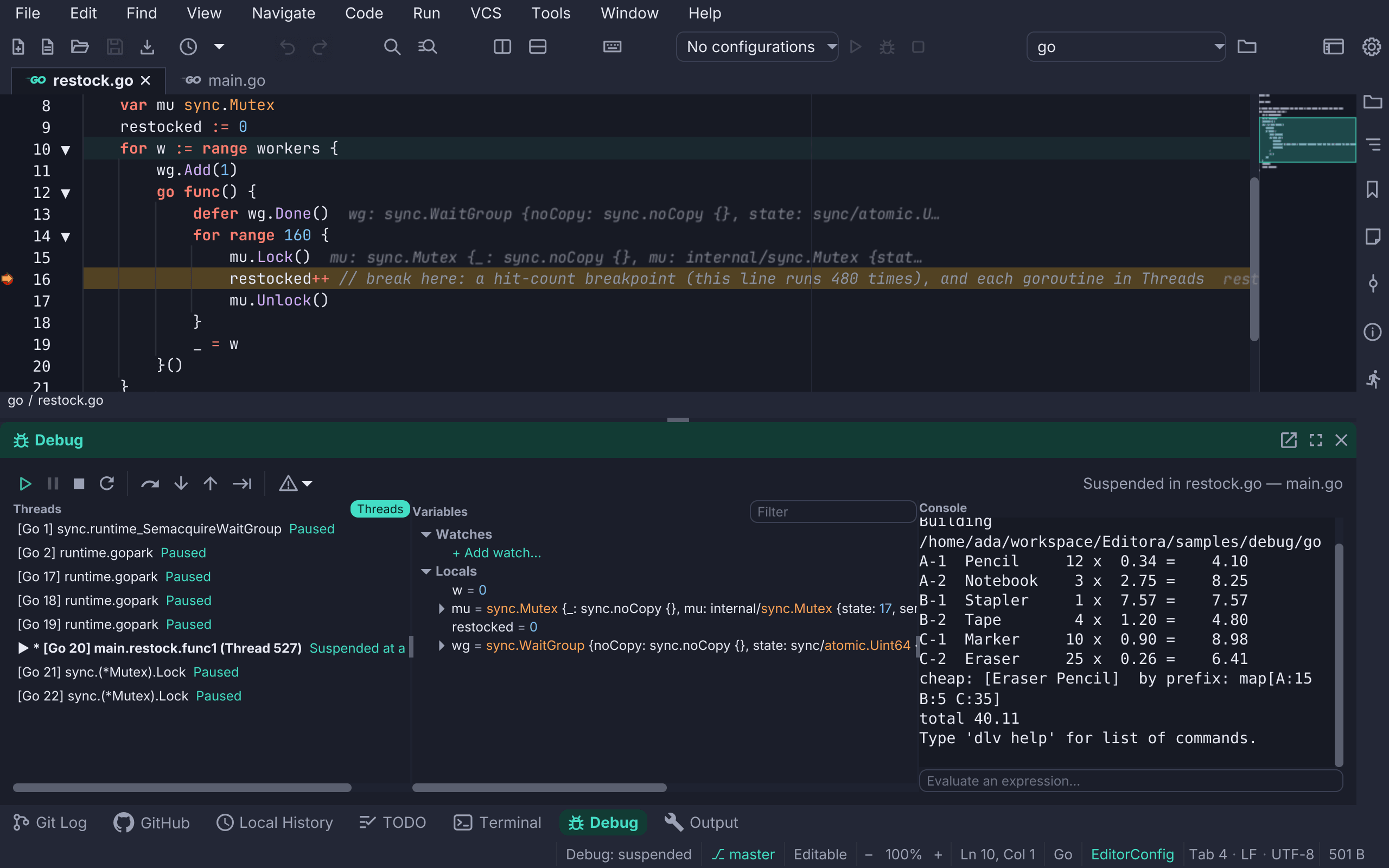
Attach to Process attaches Delve to a Go program that is already running, on Linux and macOS. Stop leaves that program running. Open Core Dump opens the core a crashed Go program left in Delve.
Goroutines
The Threads view lists your program’s goroutines. The runtime’s own, such as
the garbage collector’s workers, the finalizer and the scavenger, are left out.
A goroutine started under pprof labels (pprof.Do) shows them in its name:
[Go 20 job:resize-0] main.worker.
Right-click the Threads view for:
- Hide Runtime Goroutines (
debug.toggleRuntimeGoroutines): untick it to list the runtime’s goroutines again. - Filter Goroutines… (
debug.filterGoroutines): list only the goroutines that Delve’s own filter keeps, such as-with label job=*,-without go runtime.*or-with user. Empty lists every goroutine.
Both apply to the running program at once and are kept. A filter can leave out the goroutine the program stopped on.
Go goroutines in Settings → Debugging holds the same choices:
Hide runtime goroutines (on), pprof labels in names (* for every
label, or the keys to show, such as job, region; empty shows none, from the
next session on) and Goroutine filter.
Delve isn’t bundled. Editora finds dlv as set on the Go (Delve) card of
Settings → Debugging, else on the PATH, else where go install puts it
($GOBIN, $GOPATH/bin or ~/go/bin), so a Delve installed while Editora runs
is found too. The card’s Install… runs
go install github.com/go-delve/delve/cmd/dlv@latest, which needs Go. Without
Delve, Debug says Delve (dlv) was not found and how to get it. The card’s
switch, Enable Go debugging (Delve), is on by default, and the
Doctor checks for Delve.