
Bookmarks & notes
Bookmarks and Markdown Personal Notes for lines, ranges, files, and folders, stored outside source and navigable across a project.
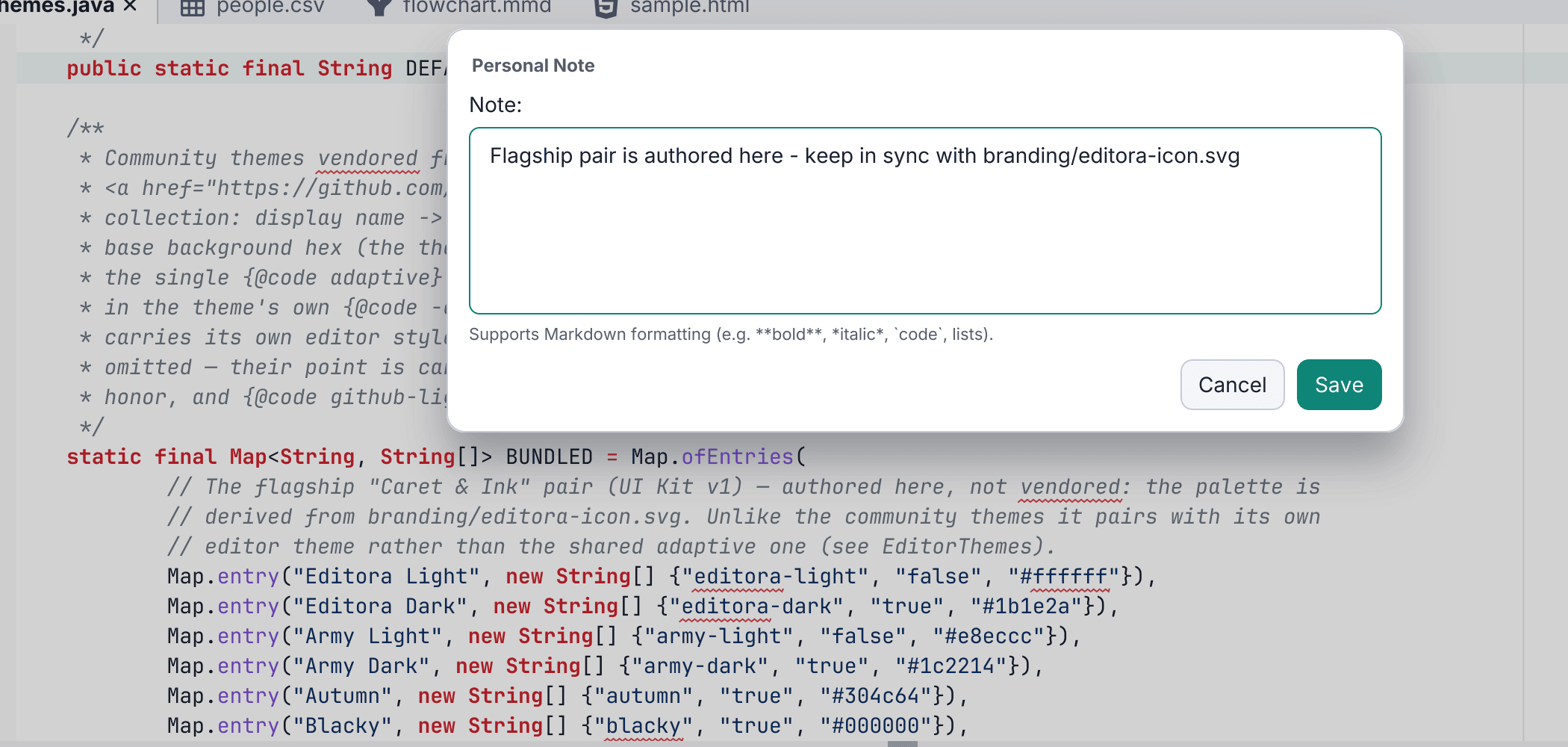
Two ways to mark up code.
Bookmarks toggle on a line (C-c m) with a gutter marker and an optional note; the Bookmarks tool window lists them across files, C-c ] / C-c [ cycle within a file, and M-g b is a cross-file picker, reorderable and scoped per project.
Personal Notes attach an annotation to a word, line, range, or project folder, stored outside the file (useful for read-only or generated code, or project context that does not belong in source). They survive edits and renames via content-hash identity and text anchoring, render Markdown, and have their own tool window and M-g n picker. Folder notes appear as Project-tree tooltips, and activating one selects its folder in the explorer. See the deep-dive.