
File templates
New File From Template: single- or multi-file scaffolds that ask for their variables (author, date, file name, …).
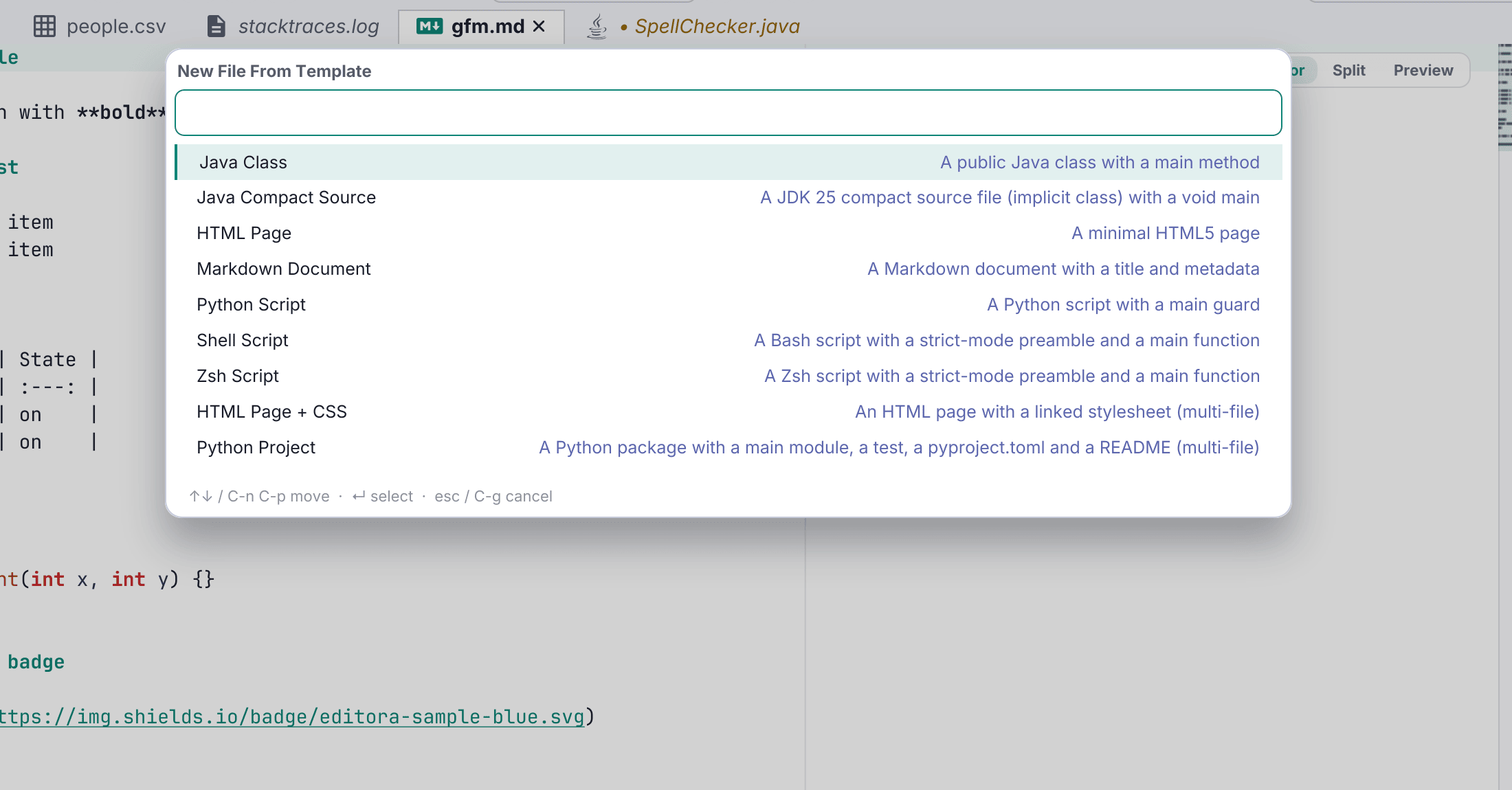
New File From Template (C-c C-n) scaffolds a file (or a whole set of files) from a reusable template, prompting for any variables (author, date, file name, package…) in a small wizard.
Template bodies use ${variable}, ${variable:default} and ${cursor} for where the caret lands; anything else, such as $1 or $HOME, is written as it is. Before a template writes anything it lists the files that already exist. Bundled ones cover a Java class, an HTML page/bundle, a Markdown doc, and a Python script. Add your own under ~/.editora/templates/, or use Edit User Templates to copy a bundled one and change it.
A multi-file template can also scaffold a whole project: New Project From Template asks for a project name and a location, creates that folder, registers it as a project and opens it on the template’s main file. A Python Project template ships with it, containing a package layout, a test, pyproject.toml, README and .gitignore.