
Starting a project
Generate a Maven project from an archetype, git init a folder without a terminal, and create any of about fifty file types from the Project tree with the right package declaration already written.
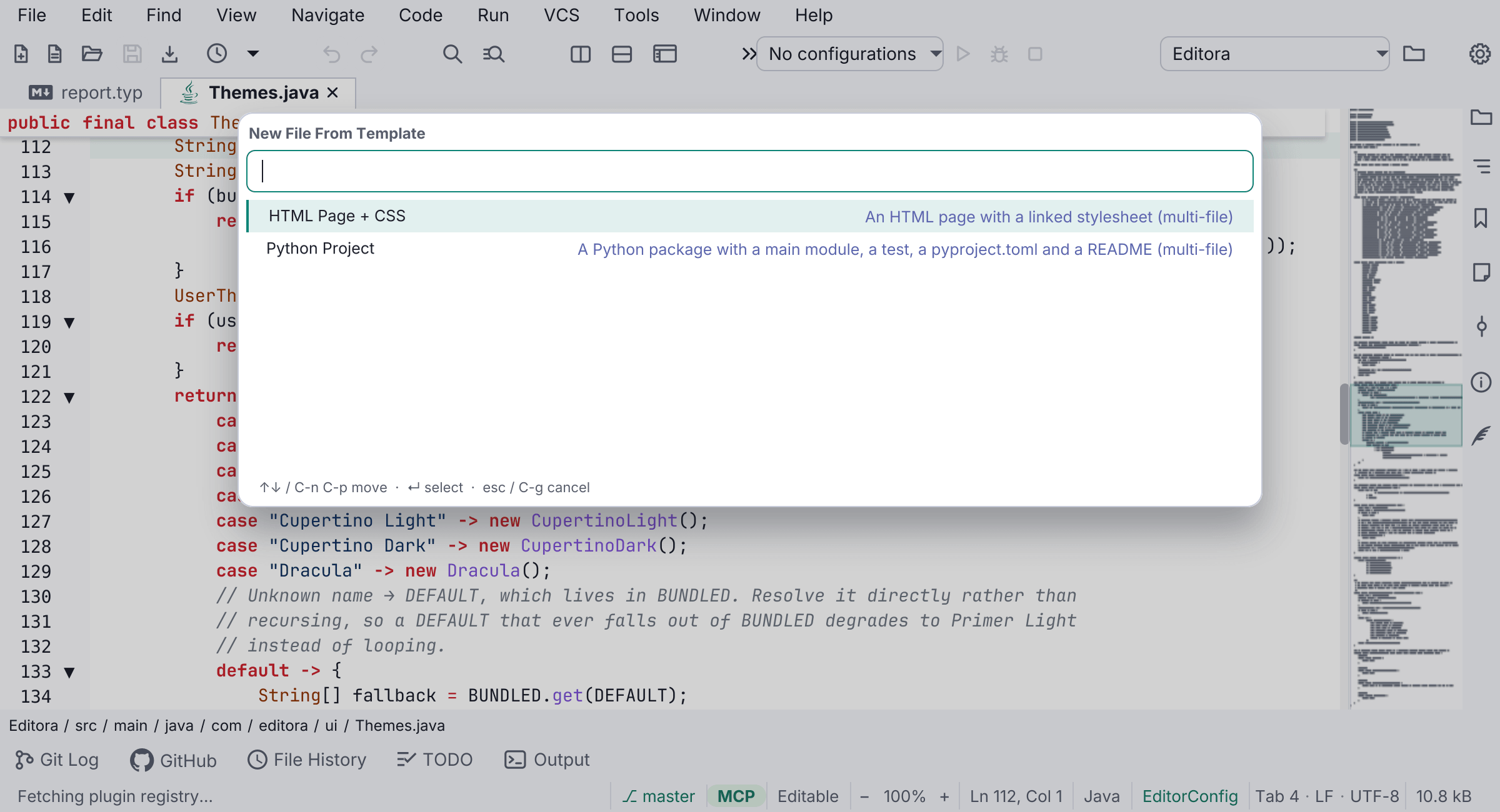
Editora can create a project as well as open one: from a Maven archetype, or from a multi-file template with New Project From Template.
New Maven Project
A wizard where you pick an archetype and fill in the coordinates, and the generated project is registered and opened in its own window. Reachable from the File menu, the Project tree’s New ▸ submenu, and the palette.
Archetypes come from a curated list that ships with the editor, with Load full catalog… to pull Maven Central’s when you need something unusual. Where both list the same archetype the curated pin wins, because the published catalog is often years out of date. The package name is derived the way IntelliJ does it, so my-app becomes my_app and 2048 becomes _2048.
The project arrives ready to run: a run configuration is seeded for its main class with mvn -q compile as its before-launch step, and that class is opened, so Run works on the first press instead of failing on an empty target/classes. Generation shells out to mvn archetype:generate rather than writing a pom by hand, so Maven has to be on your PATH, which is checked before the wizard opens rather than after five fields have been typed.
A collapsed Advanced section carries the project <url>, the Java release (a combo of the JDK majors you have installed, still editable), and an update to latest versions checkbox that brings the generated pom’s dependencies and plugins up to date on the way out. Empty means “keep what the archetype wrote”, so the fields are not prefilled with the archetype’s own values. None of the three can be an archetype property, because archetype:generate ignores them and quickstart bakes its own into the pom template. They are applied afterwards as a format-preserving edit to the generated pom, which leaves its indentation and its <!-- FIXME --> comments where they are.
Generating a project beside an existing one works. archetype:generate registers the new project as a <module> of whatever project it finds in its working directory and fails outright when that one is an ordinary jar project; generation therefore happens in a scratch directory and the finished project is moved into place. An aggregator (packaging=pom) is still left attached, where the module is what you want.
Versions can be refreshed later too, from the Maven submenu.
Git: Initialize Repository
Starts version control without dropping to a terminal. It prompts for a folder, defaults to the project root, and brings the Git UI up the usual way: status bar, Commit window, gutter change bars. Creating a repository inside an existing one is refused, naming the enclosing root, since that is nearly always a mistake and awkward to undo.
New ▸ on any folder
About fifty file types, grouped by family (Java, Web, Scripts, Languages, Data & Config, Docs & Diagrams, Build & Ops), each carrying the icon the file will have once it exists.
A new Java file takes its package from where you create it, so “New ▸ Class” in src/main/java/demo writes package demo;, and a qualified name like text.Slug creates the sub-package to match. A name that already ends in a known extension keeps it, so notes.json under Text File gives you JSON rather than notes.json.txt, and a dotfile stays a dotfile. A name that tries to climb out of the folder creates nothing, and an existing file is never overwritten.