
Build tools
Maven, npm, Cargo, Go, and Gradle each get a tasks tool window and a streaming console.
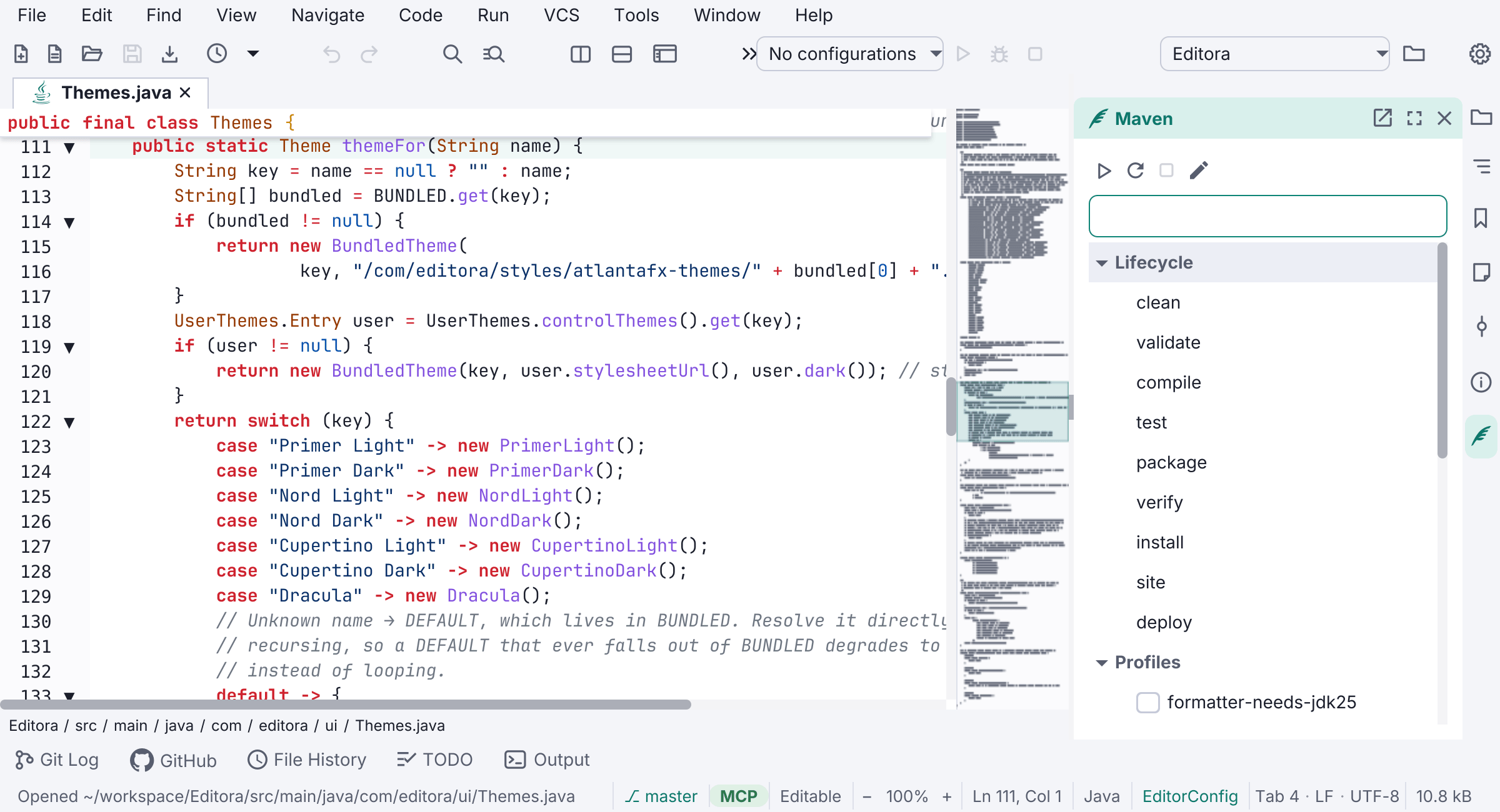
Each detected build tool gets its own tasks tool window (its stripe appears when the tool’s marker file is found): a browsable tree of the tool’s goals, scripts, or targets with a mini toolbar (Run / Reload / Stop / Run custom…). Double-click or Enter runs a task, and the output streams to a separate per-tool console window. A searchable actions popup is also available from the command palette (Maven: Show Actions, and so on).
- Maven (
pom.xml): lifecycle phases, the pom’s declared profiles (checkable, composing via-P), and each plugin’s bound goals, plus a Run custom… box. Prefers./mvnw, elsemvn. A discovered-JDK selector controls Maven tasks, classpath resolution, Run, Debug, and before-launch steps; a run configuration can override it. - npm (
package.json): one entry perscriptsname (run as<pm> run <name>) plusinstall/ci. Uses the detected package manager (npm/yarn/pnpm/bun). - Cargo (
Cargo.toml): the standard subcommands, any[[bin]]/[[example]]targets, and a--releasetoggle. - Go (
go.mod): the standard subcommands over the whole module. - Gradle (
build.gradle[.kts]): the common tasks plus Load all tasks…. Prefers./gradlew.
Discovery parses the marker file directly (no shell-out, no new dependency), so it’s instant and offline. On by default, each inert until its marker is found. See the build tools guide.