
Run files & main classes
Run a script, or a Maven/Gradle project's main class, from a gutter ▶. Output and stdin go to the Run console, with clickable stack traces and saved run configurations.
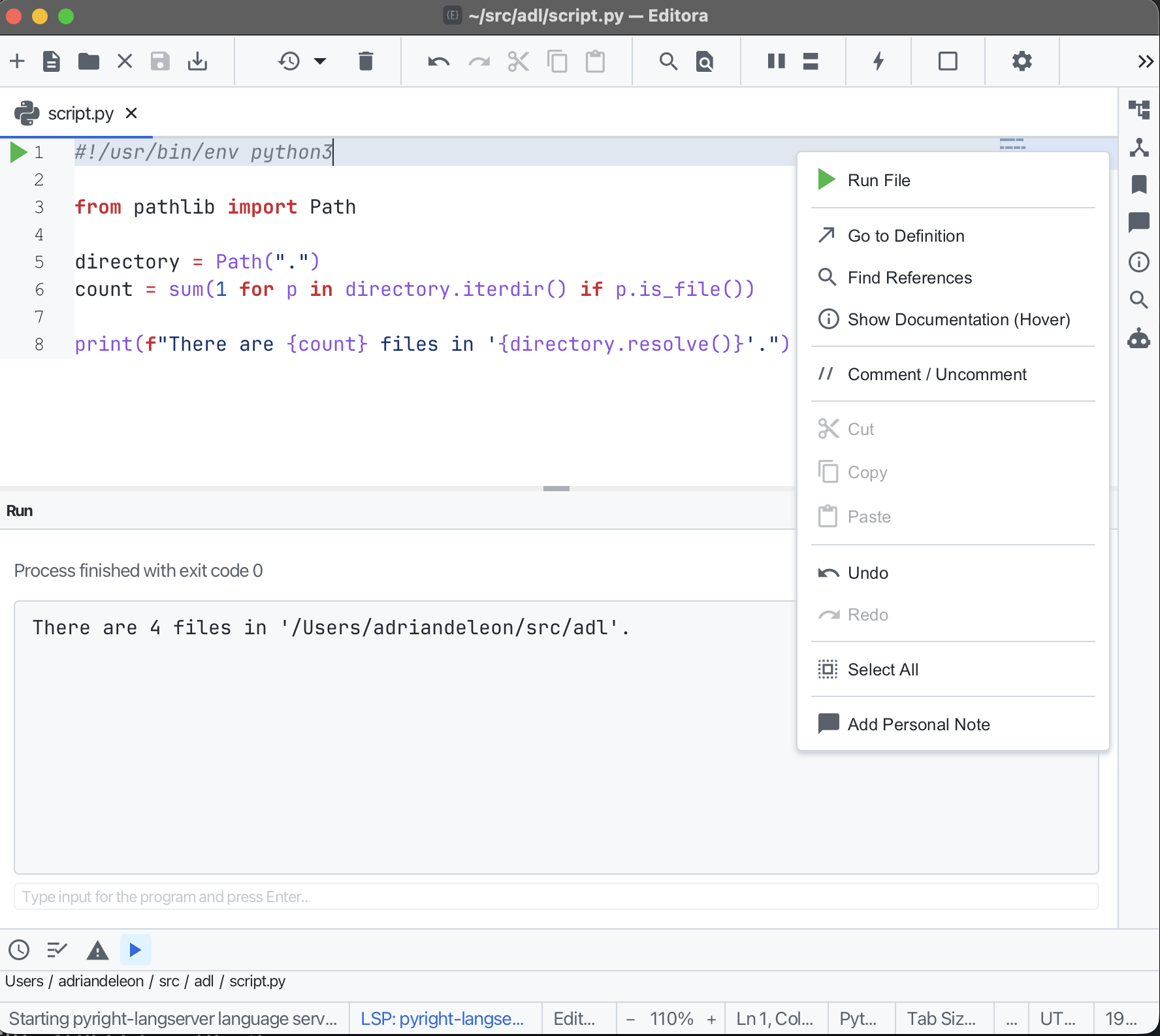
A green ▶ in the gutter runs the current file, a Java compact source file (JEP 512), an extensionless Java file with a java --source 25+ shebang, a Python script, or a shell script. Compact Java and Python files can run with language services disabled; Java uses the selected Default JDK or java on your PATH.
It also runs a project’s main class. Run Main Class… picks any main in the active file’s Maven or Gradle project, and a ▶ sits beside every public static void main (the right-click menu offers Run ‘….main()’). With the Java language server set up, Editora asks it for the main classes and the resolved classpath; without it, Run falls back to the build tool, with Maven resolving the classpath and Gradle delegating to run or bootRun.
For anything you run more than once, save it as a run configuration instead.
Output streams to the Run console, which also accepts stdin so readln-style programs work, and stack-trace lines are clickable (Java, Python, and Node frames) to jump to the file and line. Pass per-file program arguments (remembered across runs), and re-run the last file with Rerun Last Run. Bind it to C-c r or run from the palette.