
External tools
Define your own CLI commands and run them on the current file or buffer, with $Name$ macros, stdin piping, and output to a console or back into the text.
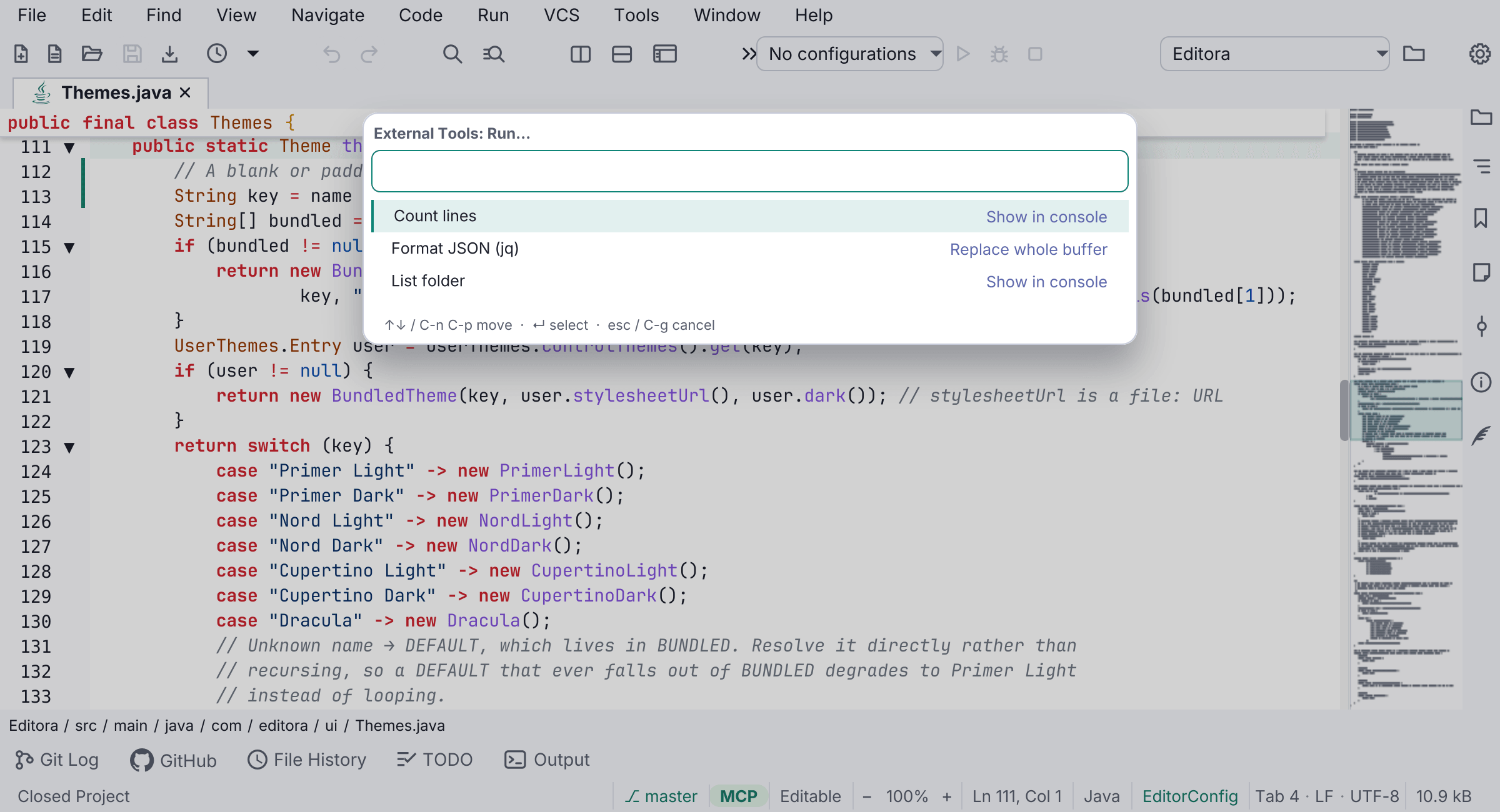
Define your own command-line tools in Settings → External Tools and run them on the current file or buffer, IntelliJ-style.
- Command and arguments support
$Name$macros:$FilePath$,$FileDir$,$FileName$,$FileNameWithoutExtension$,$SelectedText$,$LineNumber$,$ColumnNumber$,$ProjectFileDir$. - A tool can pipe the selection or the whole buffer to the command’s stdin.
- Each tool chooses what to do with the output: show it in a read-only console, replace the selection, replace the whole buffer (undoable), or insert at the caret. That covers both “run and see the output” and text transforms with filters like
jq,sort, orsed.
Every tool you define becomes its own palette command (and is bindable to a key), plus there’s External Tools: Run… (a picker) and Rerun Last. Tools run off the UI thread with a timeout. Available by default (the list starts empty) and off in Simple UI mode. See the external tools guide.