
Zen mode
Hides every bar, the line numbers, and the minimap, leaving only the text. Everything you have switched on keeps running.
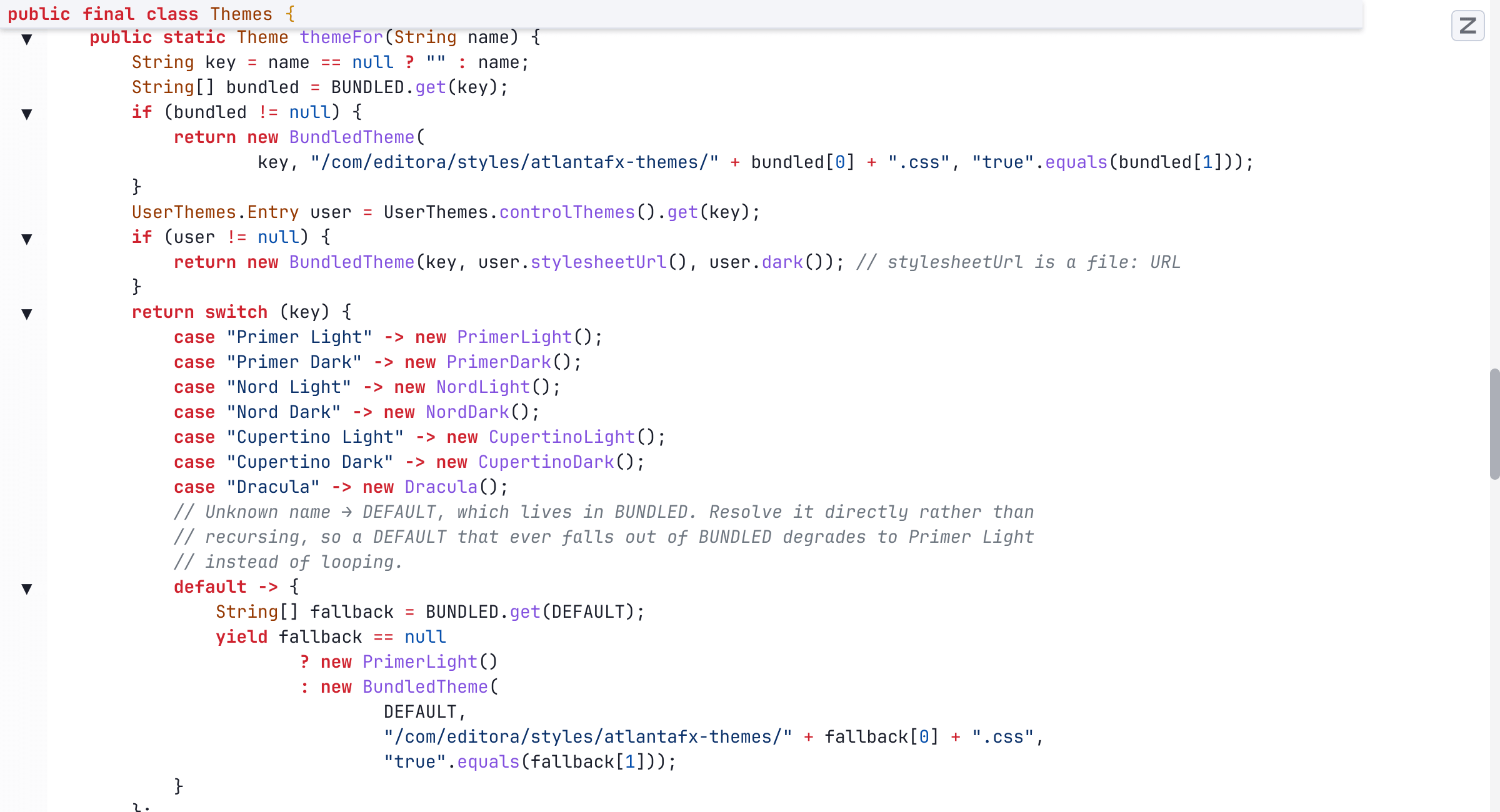
Zen mode leaves only the text of the file. It hides the menu bar, toolbar, tab bar, breadcrumb, tool-window stripes, and status bar, along with the line numbers, the minimap, and the column ruler. Fold markers stay in the margin.
Nothing is switched off. Language servers, Git, and every command and keybinding keep working, so the palette (M-x) and your chords still reach everything while the interface is hidden.
- Toggle it with
C-c zin the Emacs keymap, with View: Toggle Zen Mode from the palette, or start in it with the--zenflag. - A small floating Z button in the corner turns it off again.
- It applies to one window and never changes your saved settings, so the interface comes back as you left it.
- Zen and Expert mode are mutually exclusive: turning one on turns the other off.
The other three ways to run the editor are Expert mode, Simple UI mode, and the full IDE. See also Focus modes in the docs.