
Local History
Snapshots of your files over time, taken on save, auto-save, and before an external reload, so you can diff or restore an earlier version with no Git required.
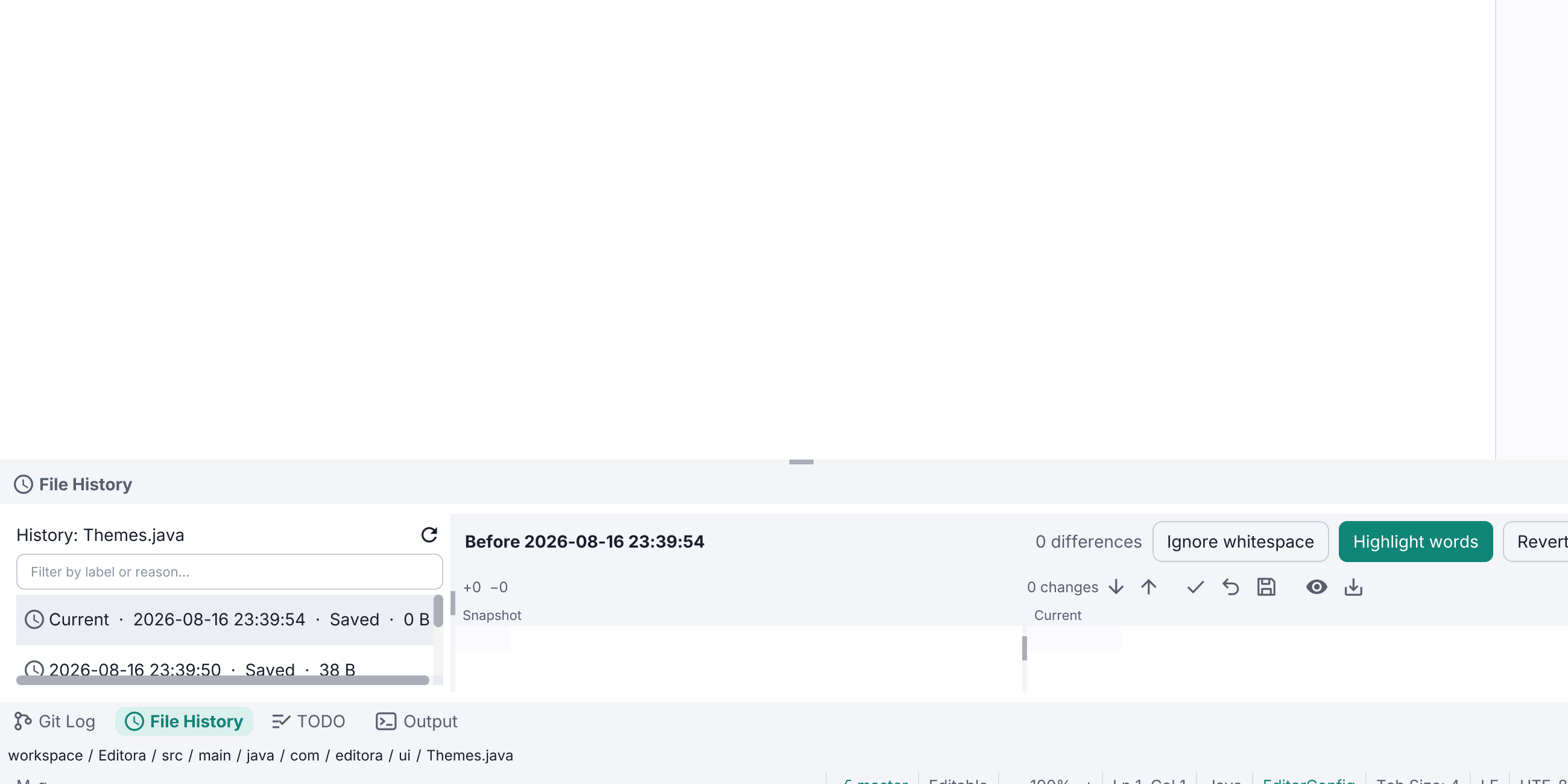
Editora snapshots your local files over time, on save, on auto-save, and before it reloads a file that changed outside the editor. It’s independent of any version control, so you get a safety net even on files that aren’t in Git.
Open a file’s timeline from the Local History tool window (M-g l, or Alt+Shift+H in the other keymaps). Each revision shows its label, time, and the reason it was recorded, with the newest tagged Current when it equals the editor’s text and Latest otherwise. Select one for a diff against the current file, then Restore the whole revision or use the apply-chevrons to copy individual fragments back in (undoable).
It’s grown closer to IntelliJ:
- Named snapshots with Put Label (
history.putLabel), shown bold in the list. - A filter over the revisions plus a project-wide Recent Changes picker (
history.recentChanges). - A folder view: right-click a folder in the Project tree to list every file under it with history, deleted files struck through and badged, and restore a revision to recreate a file. Deleting a file in Editora snapshots it first, so an accidental delete is recoverable.
Snapshots are deduped by content and stored gzip-compressed under your config folder, pruned by configurable limits (revisions per file, age, size per project). On by default, local-only, and off in Simple UI mode.