
Remote files (SFTP) Beta
Browse, edit, search, and save files on a remote host over SSH/SFTP. The project tree, search, bookmarks, and notes all work over the wire.
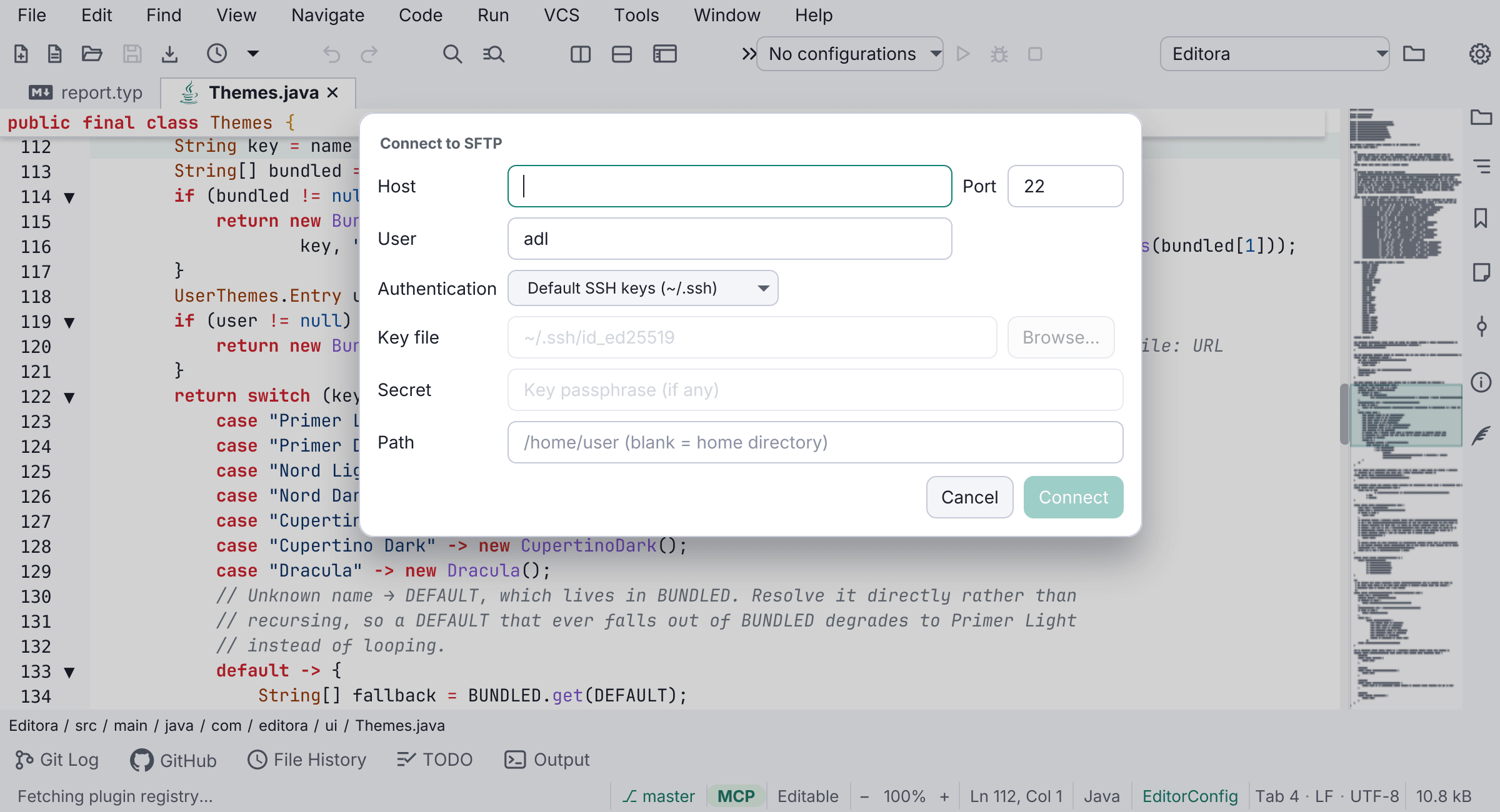
Edit files on a remote host over SSH/SFTP. Remote: Connect to SFTP… mounts the remote folder as the Project tree, and from there editing, syntax highlighting, search, bookmarks, notes, and preview all work over the wire, and Save writes straight back.
Saved sites have three surfaces beyond the palette: a Remote Sites tool window (M-g r) with New / Connect / Remove, a Settings → Remote page to manage them, and a quick-connect list on the Welcome page. Picking a site opens the form pre-filled.
Auth supports your default ~/.ssh keys, a key file, or a password; connections are remembered (without secrets). Nothing connects until you add a site; local-only features (running, LSP, Git) are gated off for remote files.