
A menu bar, over the same commands
File / Edit / Find / View / Navigate / Code / Run / VCS / Tools / Window / Help menus, built over the command registry, so every item shows its live keybinding. Hide it in one keystroke.
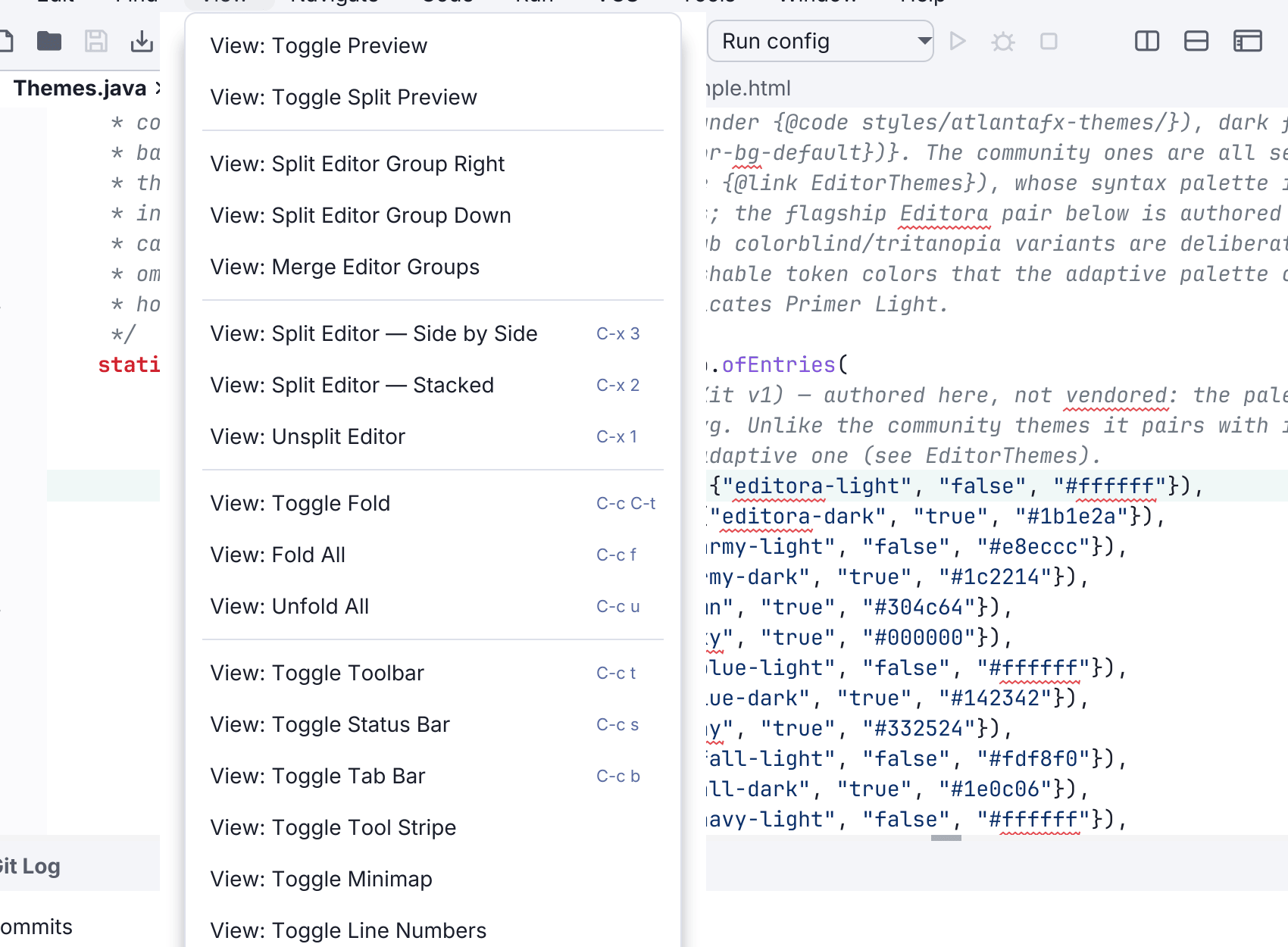
The command palette lists everything, but it is hard to browse. It helps when you know roughly what a command is called, and less when you want to see what the editor can do. The menu bar is for that.
File / Edit / Find / View / Navigate / Code / Run / VCS / Tools / Window / Help. Every item names a registered command, the same object the palette lists and the keymap binds, so the menu cannot drift out of step with what Editora can do.
- Each entry shows its current keybinding, and updates when you switch keymaps.
- A command whose feature is switched off appears greyed rather than vanishing, so the menu stays a stable map instead of rearranging itself as you toggle features.
- Almost every item that can carry an icon does, and it is the same glyph you see for that action in a right-click menu, so Save looks the same wherever you reach it from. About a third are left blank rather than given an invented glyph. The icon column is reserved either way, so the titles still line up.
- On macOS it sits in the system menu bar.
It is a curated subset. Editora registers over seven hundred commands, and a menu listing all of them would be harder to use than the palette, which remains the complete index.
On Linux and Windows it can share the window’s title bar, putting menus, title and system buttons on one row and giving a full bar of vertical space back to the editor. This is experimental and off by default, under Settings → Interface.
Hide it from Settings → Interface or with View: Toggle Menu Bar, and it hides itself in Zen mode (Expert mode keeps it). Simple mode keeps a reduced one (File, Edit, Find, View, Help), because someone new to the editor is the person most likely to need a menu to browse.