
Crash recovery
Unsaved edits, including untitled buffers, are kept while you work and offered back on the next launch if Editora did not close normally. Restoring never writes to your files.
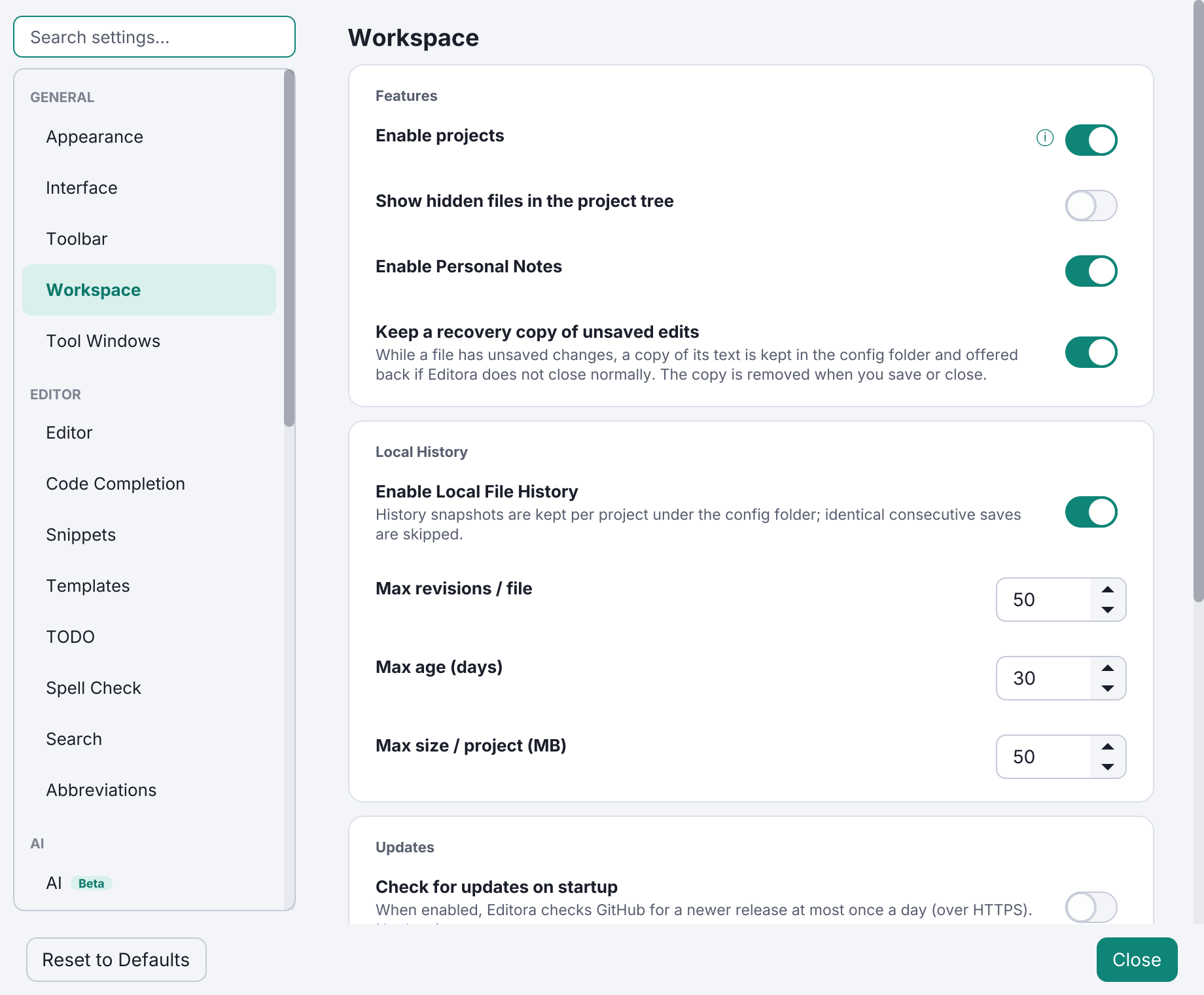
Editora keeps a recovery copy of every buffer with unsaved edits, untitled ones included, in every window. The copies live in the config folder and are written as you work.
If Editora did not close normally (a crash, a kill, a logout, a power loss), the next launch offers the edits back.
- Restoring opens the text as unsaved tabs. It never writes to your files, so you decide what to save.
- A file that changed on disk in the meantime is flagged.
- A copy is removed when you save, revert or close the buffer.
- If a refactoring that moves or deletes files is interrupted, the next time the project is opened Editora offers to put the files back.
Buffers over 16 million characters are not covered. On by default: Keep a recovery copy of unsaved edits in Settings → Workspace, or View: Toggle Crash Recovery. File: Recover Unsaved Edits… shows what is kept. See the crash recovery guide.