
Deployments Beta
Keep the project here and run it on an SSH host. Before each run, Editora copies what changed to a folder there, then runs or debugs the program in that copy.
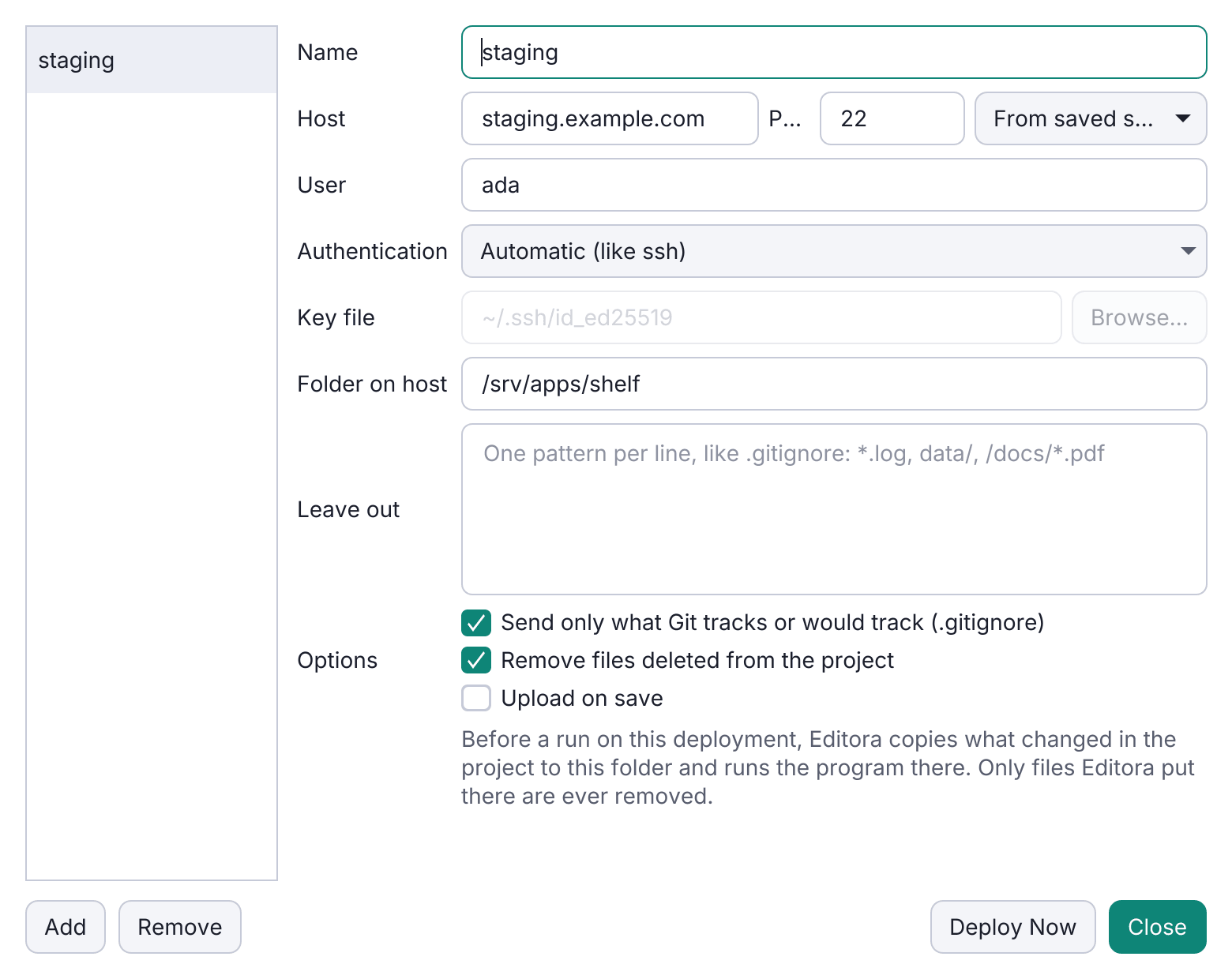
A deployment lets you edit a project on this machine and run its programs on another one: a server with the database, a GPU box, or a machine with the right operating system. The sources, language servers, Git and Local History stay here. It is the reverse of a remote folder, where the project itself lives on the host.
- Run on. In the Run Configurations window, Run on picks This machine or one of the project’s deployments. Run then saves the project’s edited files, copies what changed to the deployment’s folder, and runs the program there, with the host’s interpreters and tools, and with output, input and Stop over the same connection.
- Java is built on the host with its own Maven or Gradle. Debug starts the program there and attaches through the SSH connection, so breakpoints and stepping work on the local files.
- Only what changed is sent, as one compressed stream into the host’s
tar. Folders such as.git/,target/andnode_modules/stay behind, so do files Git ignores (with the default options), and Leave out adds patterns of your own. Upload on save deploys after every save without running anything. - Careful with the host’s files. A deploy removes only files it sent itself, asks before replacing a file changed on the host, asks before a first deploy into a folder that already has files, and refuses
/, system folders and the home folder.
Run → Deployment has Deploy Now, Compare with Deployed (the active file beside its copy, in the diff viewer), Open Terminal in Deployment and Edit Deployments…. A deployment uses the same SSH logins, host keys and permission to run commands as a remote folder. Nothing is installed on the host, and passwords are never stored. See Deployments.