
Encrypted files
Open, edit and save GnuPG-encrypted .gpg, .pgp and .asc files as the text inside them, with your own gpg and keyring. The plain text never reaches the disk.
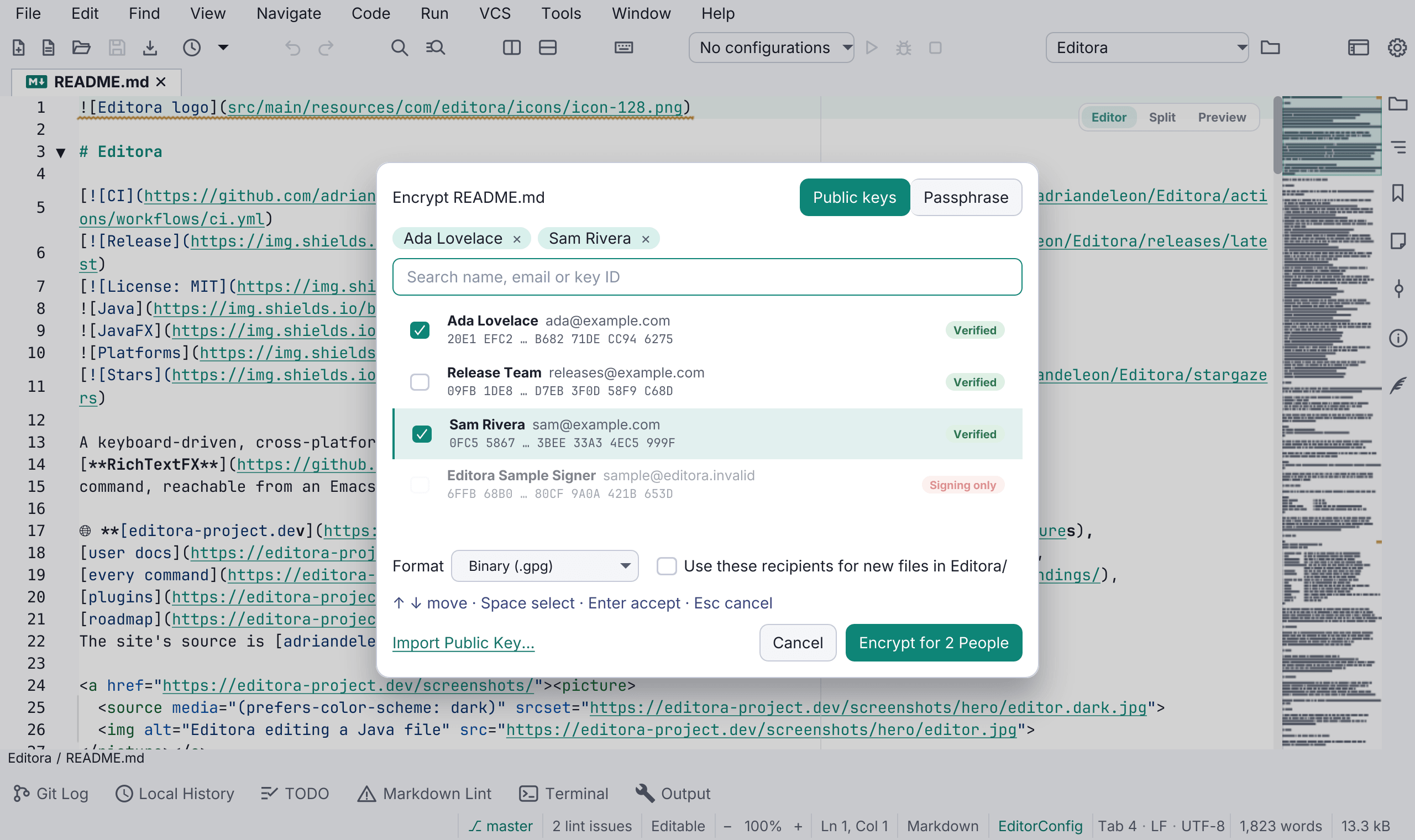
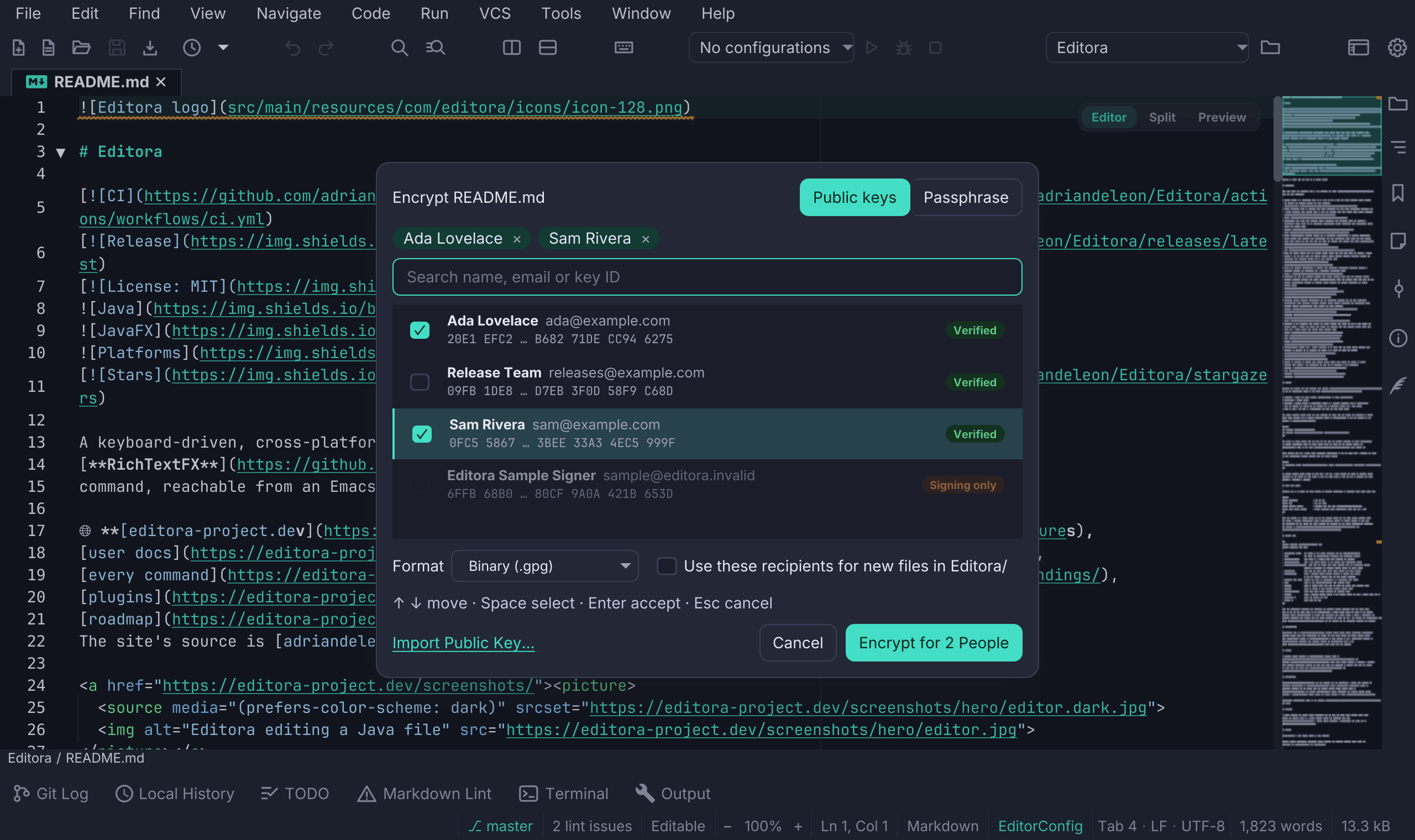
Open notes.md.gpg and you edit a Markdown file, with Markdown highlighting and preview. Save encrypts it again, for the same people and in the same format, before anything reaches the disk; a save that can’t be encrypted writes nothing and says why. Editora uses the gpg you already have, with your keyring, trust settings, smartcards and passphrase cache, and never asks you to export a key.
- Encrypt File… writes the active file encrypted beside the original (
notes.md→notes.md.gpg, or.ascfor ASCII armor), and Save As to a.gpgor.ascname does the same. The plain original stays until you choose Move Original to Trash or Keep It. - The recipient picker chooses who can open the file: people’s public keys from your keyring, your own included by default, or a passphrase. A key you haven’t verified shows its fingerprint, and a folder’s
.gpg-idfile, as thepasspassword manager writes it, sets the default recipients. - The tab has a lock, and the status bar says who the file is encrypted for. Lock File takes the text out of memory until you decrypt it again, and tabs restored at startup stay locked until you press Enter, so startup never asks for a run of passphrases.
- Encrypt Selection… and Decrypt Block at Caret handle an armored message inside an otherwise plain text, and Clear-Sign Text, Sign File (Detached) and Verify Signature sign and check text and files.
While an encrypted file is open, Editora keeps its text out of crash recovery, Local History, personal notes, Git change bars and blame, the HTML Live Preview, agents and AI actions, and language servers unless you allow them. Export, print and external tools ask first. Files in a remote project are decrypted on your computer, where your keys are. See Encrypted files.