
Terminal
Shells in a Terminal tool window, on this machine or where the project runs: an SSH host, a container or WSL. Shell integration, find, and clickable paths.
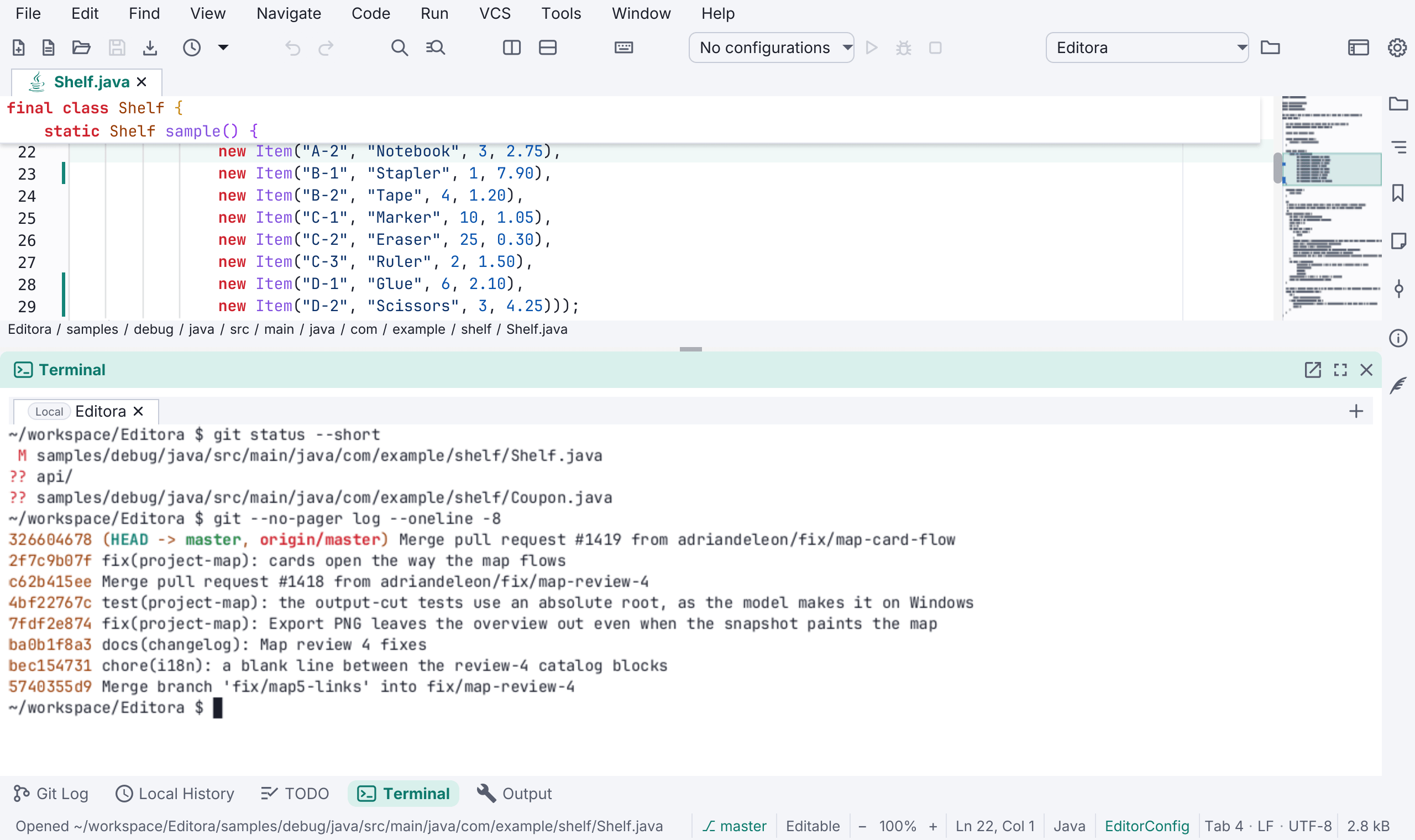
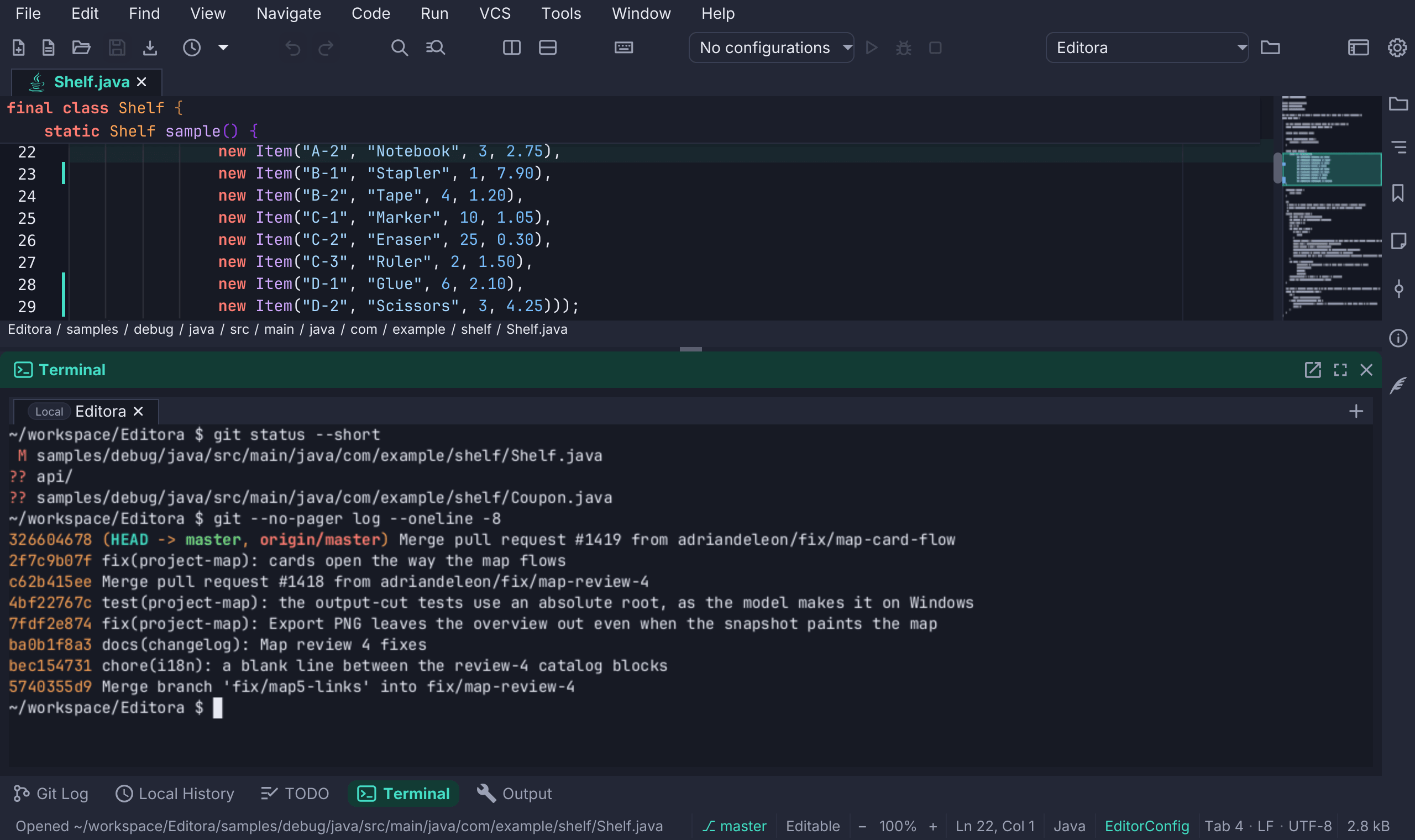
The Terminal tool window runs shells inside Editora, one per tab, below the editor. It is M-0 in the Emacs keymap, Alt+F12 in IntelliJ IDEA’s and Ctrl+` in the others, and Open Terminal Here on a tab, a folder in the Project tree or the breadcrumb starts a shell in that folder. A focused terminal owns the keyboard, so Ctrl+C, Escape and your shell’s own shortcuts work as in any terminal; Shift+Escape goes back to the editor.
- Where the project runs. A remote project’s terminal is a shell on its SSH host, and a folder whose tools run in a dev container or a WSL distribution gets a shell inside it. Each tab’s chip names where its shell runs. When a connection drops, the output stays under a Reconnect banner.
- Shell integration for bash and zsh: the tab follows the shell’s folder, Ctrl+Shift+Up and Down jump between prompts, and Copy Last Command Output copies what the last command printed. Your own startup files run as usual and are never changed.
- Open what the output names. Ctrl+click (⌘-click on macOS) a file name, a
path:line:columnfrom a compiler or a stack trace, a folder or a URL. Hyperlinks that programs print (OSC 8) work the same way. - Find in the scrollback with Ctrl+Shift+F (⌘F on macOS).
- Full-screen programs such as vim, htop and less work, and programs that speak the kitty keyboard protocol, such as Neovim and Helix, get unambiguous keys.
- Type-ahead shows what you type at once on a slow link, before the host echoes it.
- Programs can post desktop notifications (OSC 9 and OSC 777) and copy to the clipboard (OSC 52), but can never read it.
- A run configuration can run its program in a terminal tab, for programs that draw on the screen or read single keys.
Colours follow the editor theme, or a fixed terminal scheme such as Solarized, Dracula or Nord. The font is the editor’s, and the icons of eza and powerline prompts show without installing a Nerd Font. Settings → Terminal holds the shell, the scrollback and the rest. See Terminal.